







 Classify-X Team
Key takeaways
- Build the paper from a tagged question bank so the next test takes minutes, not days.
- Decide the rules before you publish: window, duration, attempts, negative marking and who sees results.
- Brief students and parents a day ahead and test the link on a phone first.
- Read the item analysis afterwards; it tells you which questions to fix and which topics to reteach.
Moving a test online does not need a computer lab or a week of preparation. Students sit it on their own phone or laptop, answers are marked automatically and you see results the moment the window closes. What it does need is a plan, and most of that plan is decided before a single student logs in.
01Build the paper from a question bank
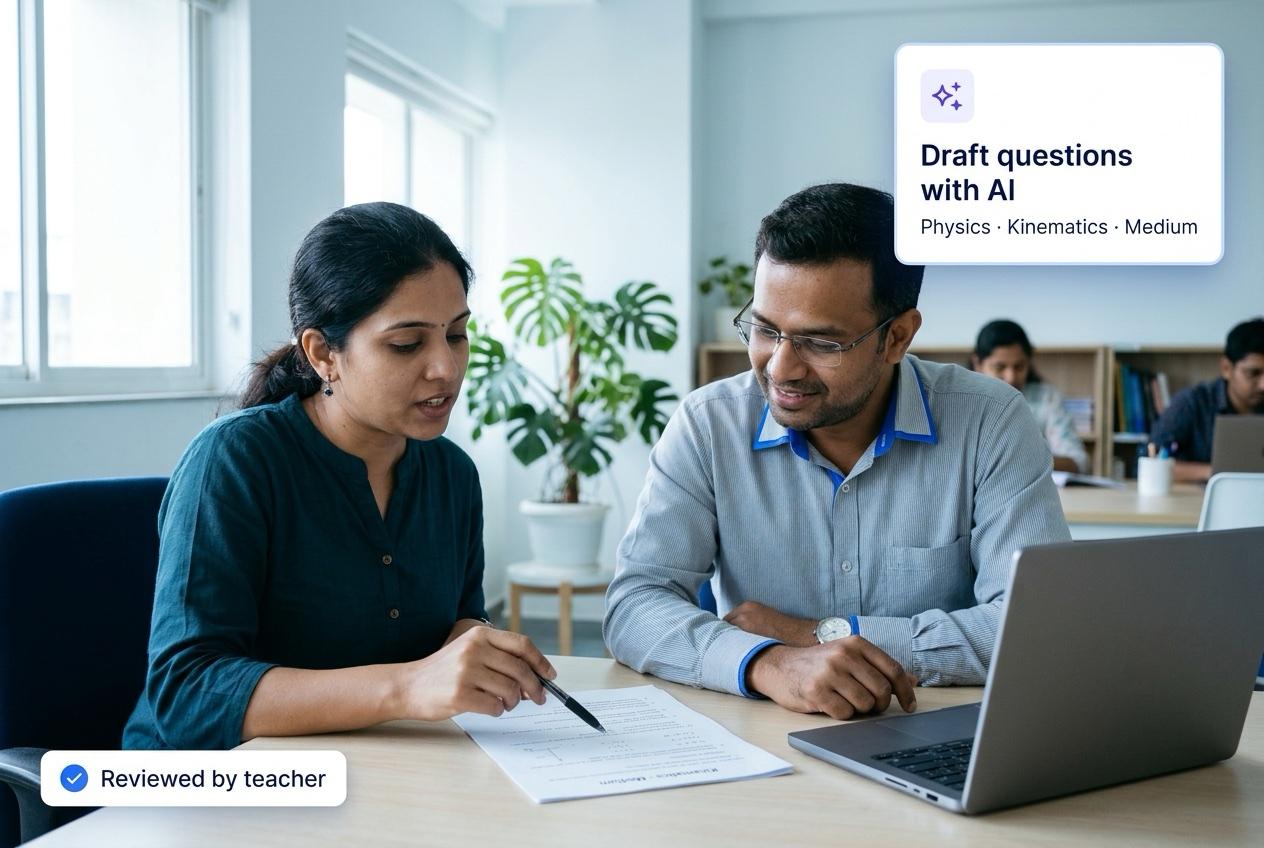
Start with questions you can reuse. Tag each one by subject, chapter and difficulty, and the next paper is a filter and a click rather than a rewrite. If you need first drafts, Classify-X can draft questions with AI; they stay as drafts until a teacher reviews and publishes them, so nothing reaches students unchecked.
- Mix question types: single-choice for coverage, multiple-choice and numerical for depth.
- Set marks per question and the negative-marking rule up front.
- Group questions into sections if the real exam has them, so students practise the same structure.
02Set the rules before you publish
Every rule you leave open becomes a question in your phone inbox. Settle these first:
03Brief students and parents
Send the link, the window and the rules a day ahead. Ask students to charge their device and close other apps. A two-line message to parents saves a dozen calls on the day.
04Run the window
Keep one teacher on call. Most problems are a forgotten password or a dropped connection, and both are quick to fix when someone is watching. Because answers are saved as students go, a connection drop does not lose their work.
05Read the results properly
Marks tell you who did well; item analysis tells you why. A question that most strong students got wrong is probably flawed; a topic that most students missed needs reteaching. Leaderboards add a little healthy competition, and you can choose how much of it students see.
- Fix or retire questions with unusually low success rates.
- Reteach the topics the whole batch missed.
- Share individual feedback while the test is still fresh.
Frequently asked questions
No. Students take the test in the browser on a phone or laptop through their institute's Learn page.
Yes. Build the paper once and assign it to the batches you choose, each with its own window.
Answers are saved as the student goes, so they can reconnect and carry on within the time allowed.
Ready to try it with your own batch?
See how online tests work