







Campus exams with an audit trail.
Departments teach their programmes, run internal assessments and admission tests, and issue certificates in one place, under your college or university's own name.
- Browser signals on every plan; live monitor from Starter; webcam + ID on Growth
- Difficulty, discrimination & audited subjective marking queues
- Staff OIDC & SAML single sign-on on Enterprise

Exam cell
Version-locked papers
Governance
Tamper-evident logs
Credentials
QR-verified certificates
Used by institutes, universities and educators across India




Faculty, exam cells and registrars.
Programme courses, controlled internal assessments, department timetables and student admission numbers in one university system.


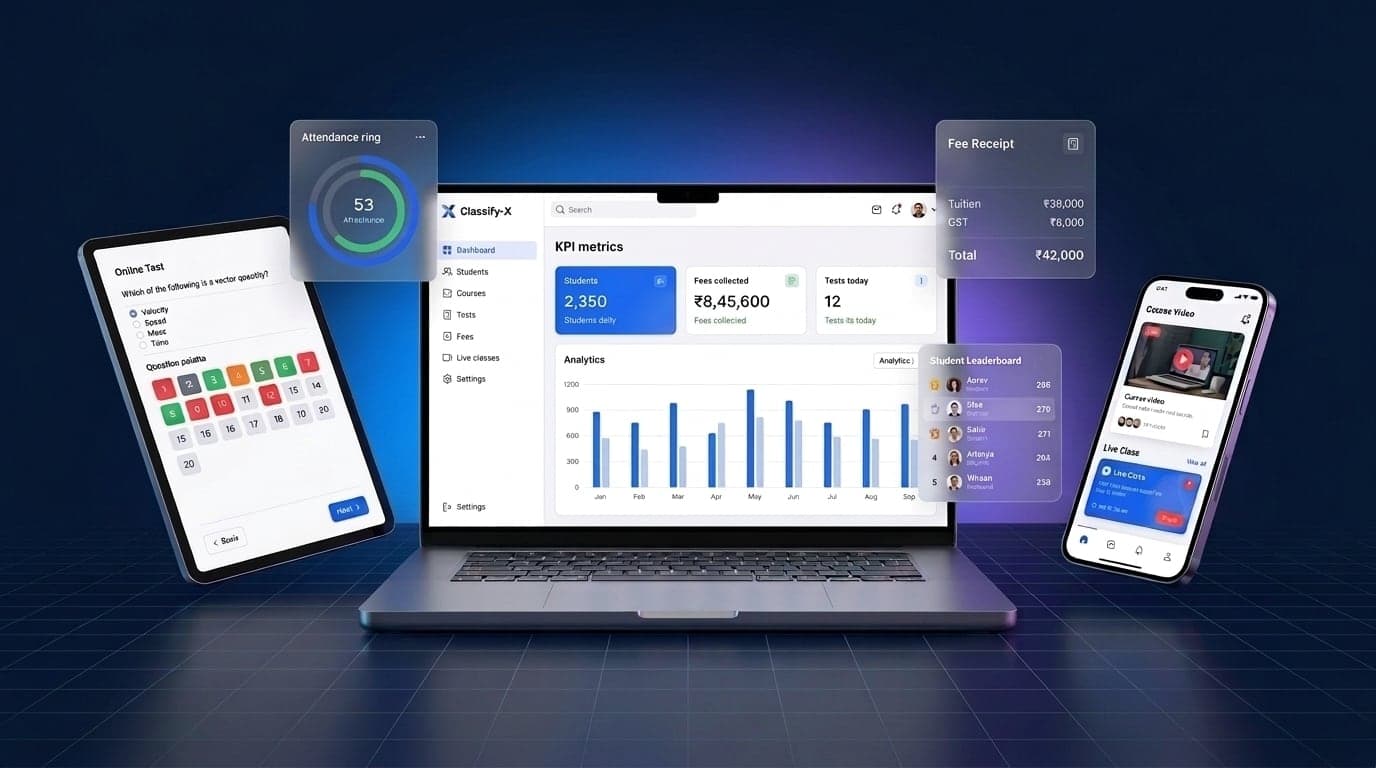

Build a course section by section
Faculty lay out a course in sections and lessons, mark lessons students can preview, and choose whether students enrol themselves. Live classes, submissions and course analytics sit in tabs on the same course.
- Preview lessons before students enrol
- Free, or sold through your student payments
- A certificate of completion with a code anyone can verify
Inspect academic governance and grading controls:
Version lock
Every candidate attempt stays pinned to the exact paper version it started on
Live invigilation
Browser signals on all plans, live monitor from Starter, webcam + ID on Growth
Human decision
Incidents and snapshots stay on the attempt; people decide, never auto-fail
Move off consumer form builders.
Internal assessments and admission tests need random pools, negative marking and defensible attempt evidence.
Exams on consumer tools
Form builders weren't made for negative marking, random papers or a review committee.
Results nobody can explain
When a result is challenged there's no evidence of what the candidate saw and when.
Fragmented learning
Lectures, materials and exams sit in different systems with different logins.
Admit, teach, examine and certify.
Set up programmes
Classes, batches and staff roles for each programme, with staff single sign-on on Enterprise.
Teach and assign
Lectures, materials, assignments and live sessions in one place.
Examine
Internal assessments and admission tests with random papers, proctoring and subjective marking.
Certify and report
Verifiable certificates, result exports and item analysis (Growth) for every exam.
Every challenged result has evidence.
Signals and snapshots are recorded against each attempt; an academic committee reviews them and decides. Nothing is ended automatically by software.
3 layers
Server resolution, scoped queries and database constraints isolating every campus tenant
OIDC & SAML
Staff single sign-on on Enterprise, plus authenticator 2FA on every plan
Hash-chained
Tamper-evident administrative audit log inspectable on Growth and Enterprise
Anatomy of one proctored attempt
09:58 · Identity check approved
A photo the candidate takes at entry, reviewed and approved by an invigilator (Growth).
10:21 · Tab switch recorded
Focus change logged against the attempt timeline; the candidate sees an on-screen warning.
10:21 · Webcam snapshot kept
Periodic and incident webcam frames stored as evidence against the attempt (Growth).
10:34 · Reviewed live
The invigilator messages the candidate directly from the live monitor (Starter and up).
Post-exam · Decided by a person
The incident, its snapshots and your committee's decision stay in the audit log.
What changes in month one.
Concrete operational outcomes once colleges & universities move onto one workspace.
Proctored, auditable exams
Browser signals on every plan, a live monitor from Starter, webcam evidence and identity approval on Growth, and a tamper-evident audit log.
Item analysis
Difficulty and discrimination for every question, on Growth and Enterprise.
Verifiable certificates
A code and QR anyone can check online.
Single sign-on for staff
Faculty and administrators sign in with your identity provider (OIDC or SAML) on Enterprise.
Courses and live lectures
Courses beside the exams, with live lectures on LMS Growth.
Subjective marking
Long answers marked in a queue with audited re-marking.
Applications your team switches on.
Start with the core application on day one; add the others to the same workspace whenever needed.
Prices in Indian Rupees before 18% GST. Free workspace includes 25 active learners on CBT with no expiry.
74 shipped features, one workspace.
What colleges & universities use most in Classify-X today. Every link opens its full specification and plan tier.
CBT & Assessments
- Nine question types
- Equations, passages and media
- Folders, review status and versions
- Import from CSV or pasted text
- Up to 13 languages per question
- Learners report question errors
- Templates by kind of test
- Sections, pools and shuffling
- Negative marking and pass rules
- Access windows, codes and devices
- Safe Exam Browser
- Extra time for individual students
- Computer-based exam screen
- Server-side timer and autosave
- Locked published versions
- Browser integrity signals
- Live monitor and evidence timeline· Starter
- Webcam evidence and on-device flags· Growth
- Identity photo approval· Growth
- Results when you choose
- Leaderboards with privacy
- Test analytics
- Item analysis· Growth
- Subjective marking queue
- Exports and scorecards
Classify-X LMS
Institution Management
- Enquiry pipeline
- Enquiry form on your portal
- Admissions and student records
- Documents and ID cards· Institution Starter (ID cards)
- Sessions, campuses, classes and batches
- Student attendance
- Absence alerts
- Timetable without clashes
- Fee structures and installments
- Fee reminders
- Online fee payment· Institution Starter
- Receipts and refunds
- Tally export· Institution Growth
- Accountant and branch manager roles
Events & Webinars
Classify-X AI
Platform & learner portal
- One record per person
- Roles and custom roles
- Search across the workspace
- Notices with read counts
- Exports
- Sample content and a setup checklist
- Your name, logo and colours· Starter
- Your own domain· Starter
- Online payments
- An invoice for every sale
- Tenant isolation
- Two-factor sign-in
- Single sign-on for staff· Enterprise
- Tamper-evident audit log· Growth (to view)
- Learner portal on any phone
- Parent portal
- Your own sign-in link and QR
- Public certificate verification
All 102 shipped capabilities across 6 applications
Every application shares one student and staff directory, role permissions, branding and rupee billing.
Programmes, lectures and QR credentials.
Students sign in once in any phone or laptop browser to see their weekly timetable, attend live lectures, sit internal exams and verify completion certificates.
Lectures and exams in one login
Recorded materials, assignments and live lectures (LMS Growth) sit beside internal assessments.
Certificates anyone can verify
Issued certificates carry a unique verification code and QR link employers can check online.
Honest roadmap on marksheets
Every test exports Excel/CSV sheets and scorecards today; institution grade books and report cards are on the roadmap.

Browser-based campus portal with your institution's domainQR verification
Questions buyers ask us.
Have a specific migration, pricing or exam-day question? Write to contact@zeroonecreation.com.
Not yet. Exams, grade books and report cards for institutions are on the roadmap. Today every test exports results to Excel and CSV, with per-student scorecards.
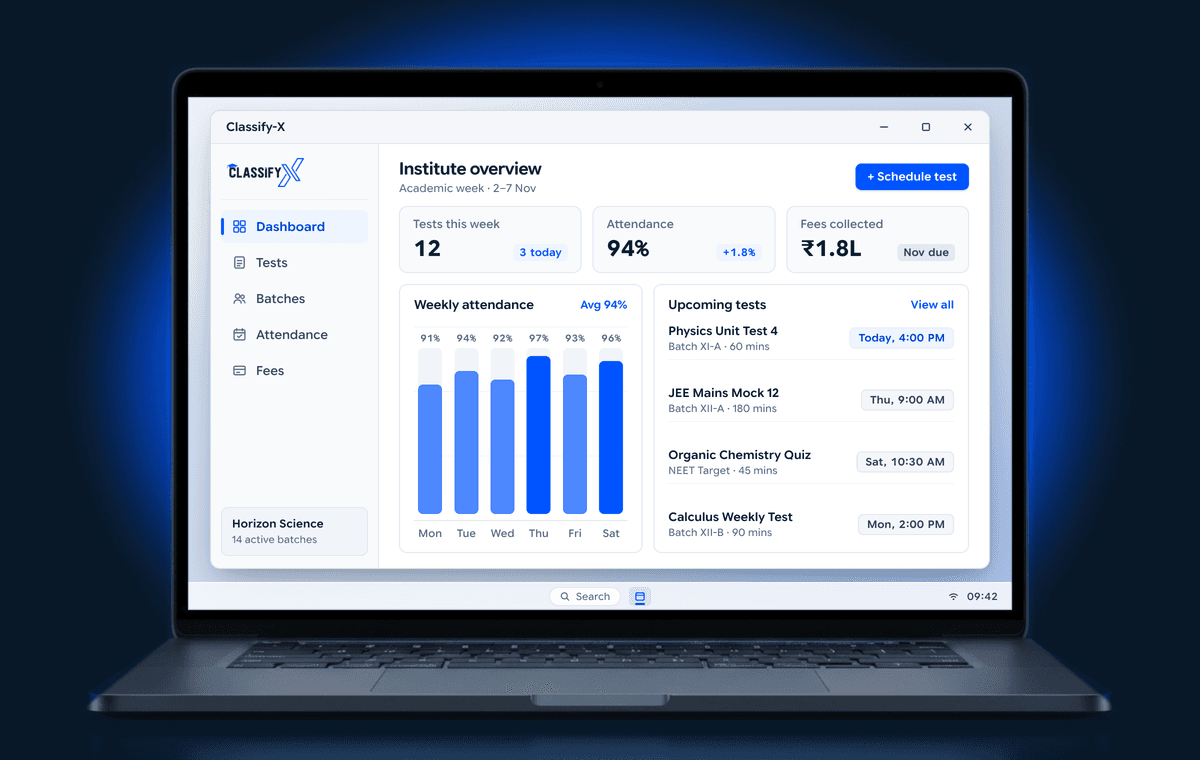
Classify-X for Windows.
Tests, batches, attendance and fees in a desktop app for your staff computers. Leave your e-mail and we’ll tell you the day it’s out.

Walk your exam cell through.
We’ll show an internal exam with its audit trail, a course with assignments and certificates, and the exports your departments report from, on one call.