







Six modules on one shared core.
Each application is complete on its own, so you buy only what you run today. Underneath, they share the same people, roles, payments, branding, notices and audit log — so a second module switches on without migrating data.
- Tenant-isolated database records
- Custom domain + auto HTTPS
- Tamper-evident audit log

Shared core
18 capabilities
Isolation
3 server layers
Learner access
1 browser login
Used by institutes, universities and educators across India




Five kinds of work. One workspace underneath.
Exams, teaching, the front office, employee training and AI help each have their own applications. They share one list of people, one set of roles, one payment gateway and one audit log — so adding an application never means moving data.
Exams and assessment
Run any test, on screen or on paper
Teaching and learning
Teach courses, live classes and events
Operations and commerce
Run admissions, attendance, fees and the counter
Workforce training
Assign employee training and prove it was done
AI
Draft questions faster, with a person in charge
Shared workspace
Every application above runs on the same people, roles, payments and branding.
People & access
Payments & GST
Notices & brand
Search & audit
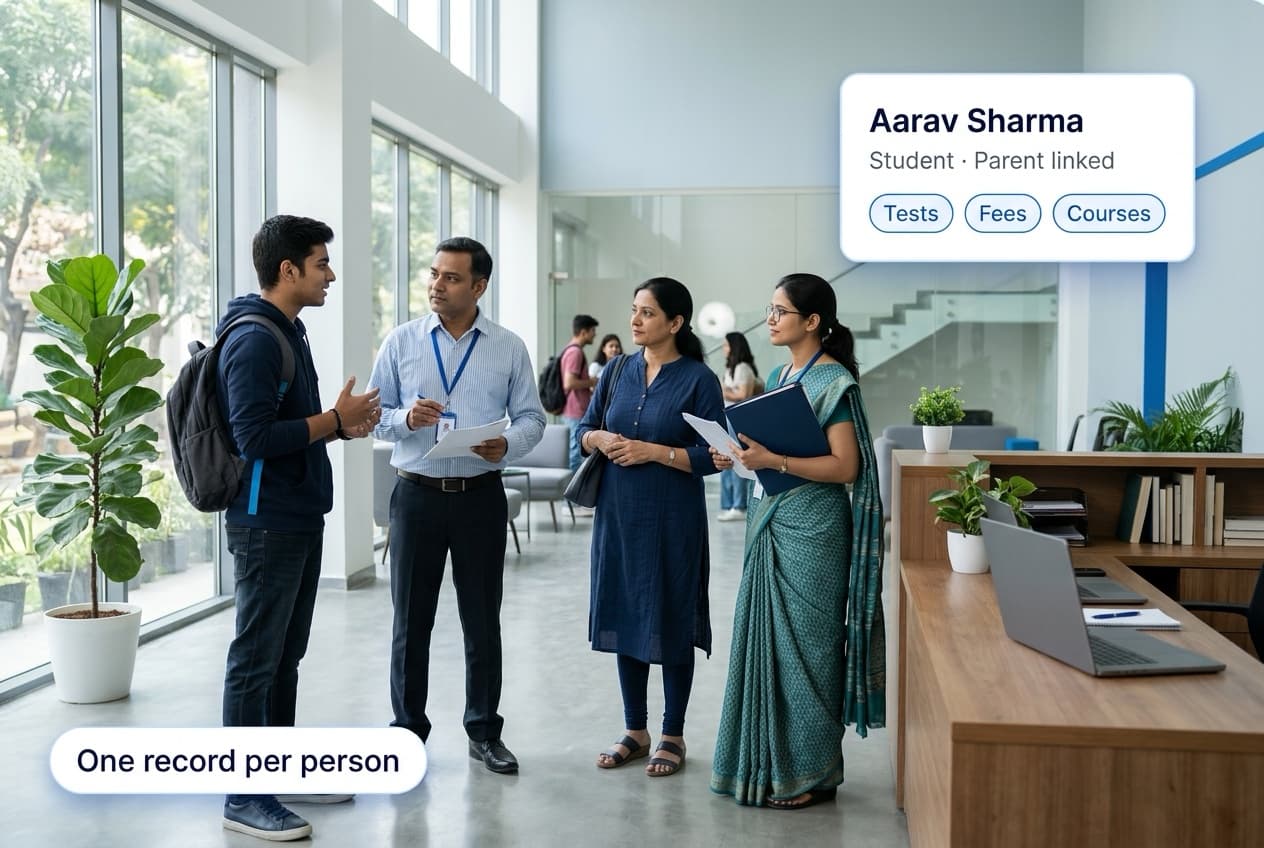
Everyone appears once, across all modules.
A student who takes tests, attends classes and buys study kits from your store is one person — never three disconnected rows in three tools.
Unified people directory
Students, candidates, learners, employees, event attendees and store buyers appear once in one directory, with every module they use beside their name — plus overdue fees, low attendance and pending compliance.
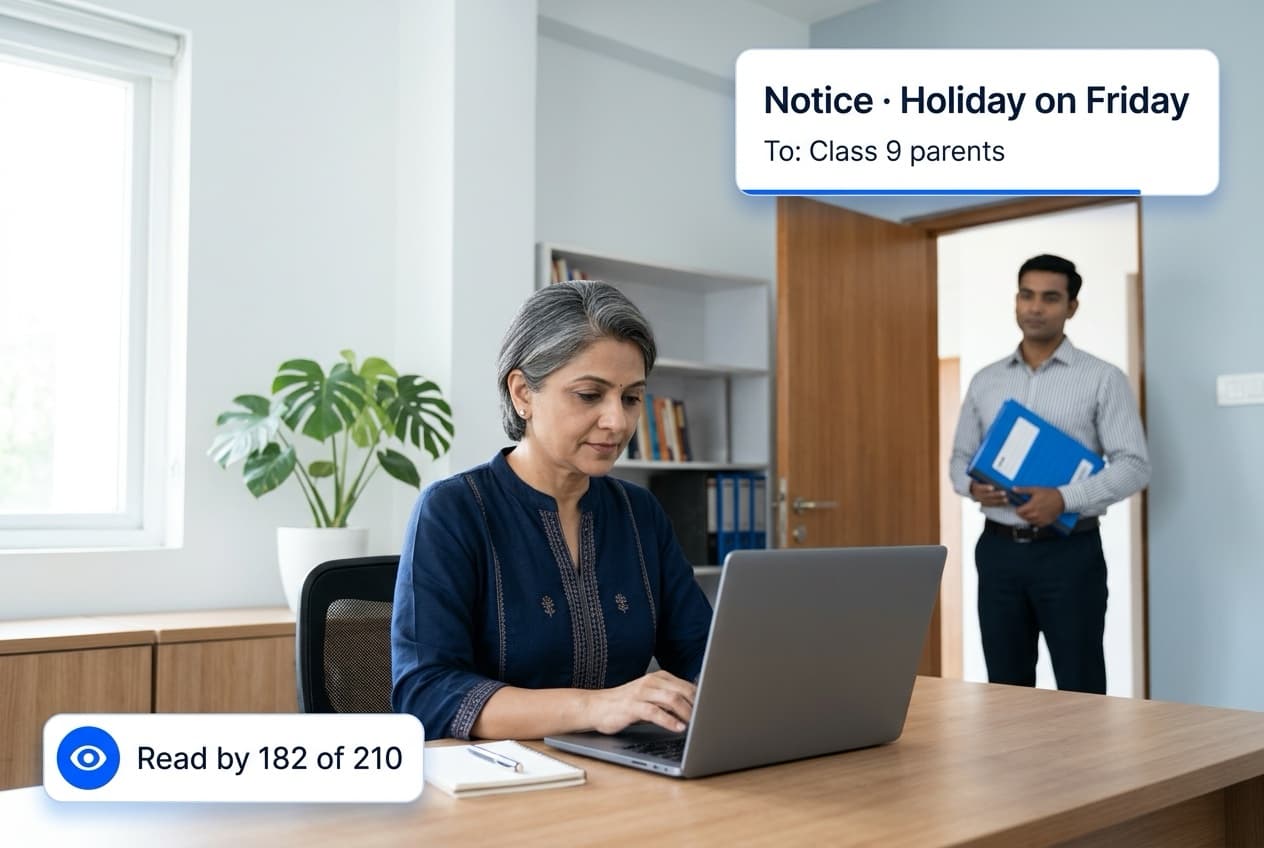
Scheduled notices & read counts
Send announcements to everyone, a specific batch or department, or your staff — delivered inside the portal inbox and by e-mail, with scheduling and live read counts.
Learners see your brand, never ours.
Full white-label branding unlocks on the first paid workspace plan. On Free, learner pages carry a small “powered by Classify-X” badge.
Auto HTTPS
Connect your custom domain on paid plans with TLS certificates managed for you
0% fee
Classify-X cut on your own Razorpay account, or 10% when collected via us
5 surfaces
Domain, logo, brand colour, GST invoices and QR sign-in carrying your identity
What learners and parents see on your portal
- Web address
- A Classify-X subdomain on every plan; your own domain, with HTTPS set up automatically, on paid plans.
- Name & logo
- Your institution on every learner screen, transactional e-mail and certificate.
- Brand colour
- Primary buttons, links and portal highlights in your brand colour on paid plans.
- Payments & GST
- Through the platform or straight into your own Razorpay account, with a numbered invoice in your name (GST once you add your GSTIN).
- Sign-in
- One branded link or QR code for students, candidates, employees, parents and staff.
Shared capabilities in every workspace.
18 capabilities inherited by all seven modules — from role-based access and global search to the learner and parent portal.
One workspace
6 shipped features
One record per person
Students, candidates, employees, attendees and buyers appear once, with every application they use beside their name.
Roles and custom roles
Thirteen ready-made roles from owner to store keeper, plus custom roles built only from permissions you hold.
Search across the workspace
One search box in the Console finds people, tests, questions, students, enquiries and fee receipts your role can see.
Notices with read counts
Announcements to everyone, a batch or your staff, in the app inbox and by e-mail, scheduled, with read counts.
Exports
Available, with limitsResults, registrations, finance and reports in Excel or CSV.
No question-bank or full-workspace export yet.
Sample content and a setup checklist
A new workspace opens with sample content, a checklist and a 14-day trial of the Growth plan.
Your brand and payments
4 shipped features
Your name, logo and colours
StarterYour branding on every learner screen and e-mail, without the ‘powered by’ badge.
Your own domain
StarterNeeds setupEvery workspace has a Classify-X address; connect your own domain and HTTPS is set up for you.
You add the DNS records.
Online payments
Through the platform's Razorpay account for 10% of each sale (never on fees), or straight into your own Razorpay account with no commission, where Razorpay charges you its own gateway fee.
An invoice for every sale
Learners get an invoice in your name, a GST tax invoice once you add your GSTIN.
Security and control
4 shipped features
Tenant isolation
Your organisation is resolved on the server, every query is filtered by it and the database refuses cross-organisation references.
Two-factor sign-in
Authenticator codes with backup codes for staff on every plan; require them for owners and admins.
Single sign-on for staff
EnterpriseNeeds setupOIDC or SAML with your identity provider, after you prove your domain.
Needs your identity provider and a DNS record.
Tamper-evident audit log
Growth (to view)Administrative actions recorded in a hash-chained log; viewing and verifying it comes with Growth.
Learner and parent portal
4 shipped features
Learner portal on any phone
Courses, tests, results, timetable, attendance, fees, events and the store in the phone's browser; nothing to install.
Parent portal
Available, with limitsAttendance, fees and payment, receipts, released results and events, with one login for siblings.
The sign-in code goes by text, which isn't switched on yet; parents with an e-mail get it there.
Your own sign-in link and QR
Learners join through your institute code, link or QR code.
Public certificate verification
Anyone can check a certificate's code on a public page.
On the roadmap
Planned platform additions
Documented openly; never counted as live features.
SMS and WhatsApp
Text channels for notices, fees and absence alerts.
Built, not switched on for customers yet.
Installable app
A store app for learners.
Paused; the web portal works on every phone.
Sign up to first results in one afternoon.
No multi-week implementation project. Every stage below runs inside the workspace today.
Pick your starting application
Tests, courses, institution management, corporate training, events or store. Start with whichever solves today's problem.
Create your workspace
One screen to sign up. Sample content is ready, and a checklist walks you through the first steps.
Brand it and bring people in
Set your name, colours and domain; import students, staff or employees from a spreadsheet and assign roles.
Teach, test or train
Publish a course, schedule an exam, start a live class or assign a training program.
Review results and add more
Ranks, reports and exports as work comes in. Add another application in the same workspace when you need it.
Connected to tools you already use.
Only integrations live in production today are listed here.
Payments
- Razorpay (yours or the platform's)
- UPI
- Cards & net banking
UPI Autopay is for paying your own Classify-X plan.
Live classes
- Built-in classroom
- Zoom (your account)
- YouTube Live
Live classes come with LMS Growth.
Video lessons
- YouTube
- Vimeo
Sign-in
- Google (staff)
- OIDC & SAML SSO for staff on Enterprise
- Two-factor authentication
Accounting
- Tally XML export
- Excel & CSV exports
Tally export comes with Institution Growth.
Messaging
- In-app inbox
SMS and WhatsApp channels exist in the product but are not switched on for customers yet.
Exams
- Safe Exam Browser
- Phone & scanner OMR
Platform and branding questions.
Organisations that teach, test or train. Schools use it for unit tests, periodic exams and fees; colleges for courses and internal exams; coaching institutes and independent educators for classes, test series and admissions; companies for employee training; and exam organisers for scholarship, admission, certification and recruitment tests. Each starts with the application it needs.
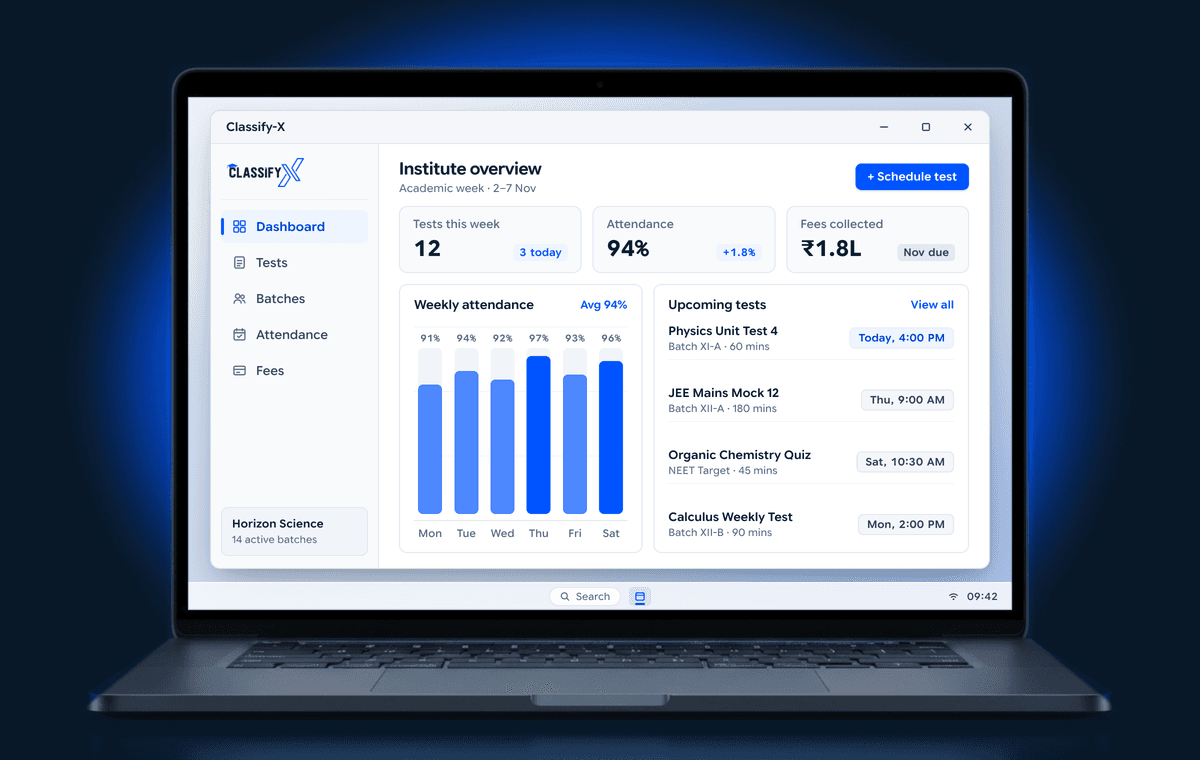
Classify-X for Windows.
Tests, batches, attendance and fees in a desktop app for your staff computers. Leave your e-mail and we’ll tell you the day it’s out.

Evaluating for IT or management?
We’ll walk through workspace architecture, role permissions, tenant isolation, exports and the hash-chained audit log on a live call.