







Registration fee to one merit list.
Candidates register and pay on your portal, sit the paper online or on OMR sheets at your centres, and see their rank and percentile the day you release results.
Checkout
UPI, card & net banking
Centres
Online + A4 OMR
Release
Ranks & percentiles

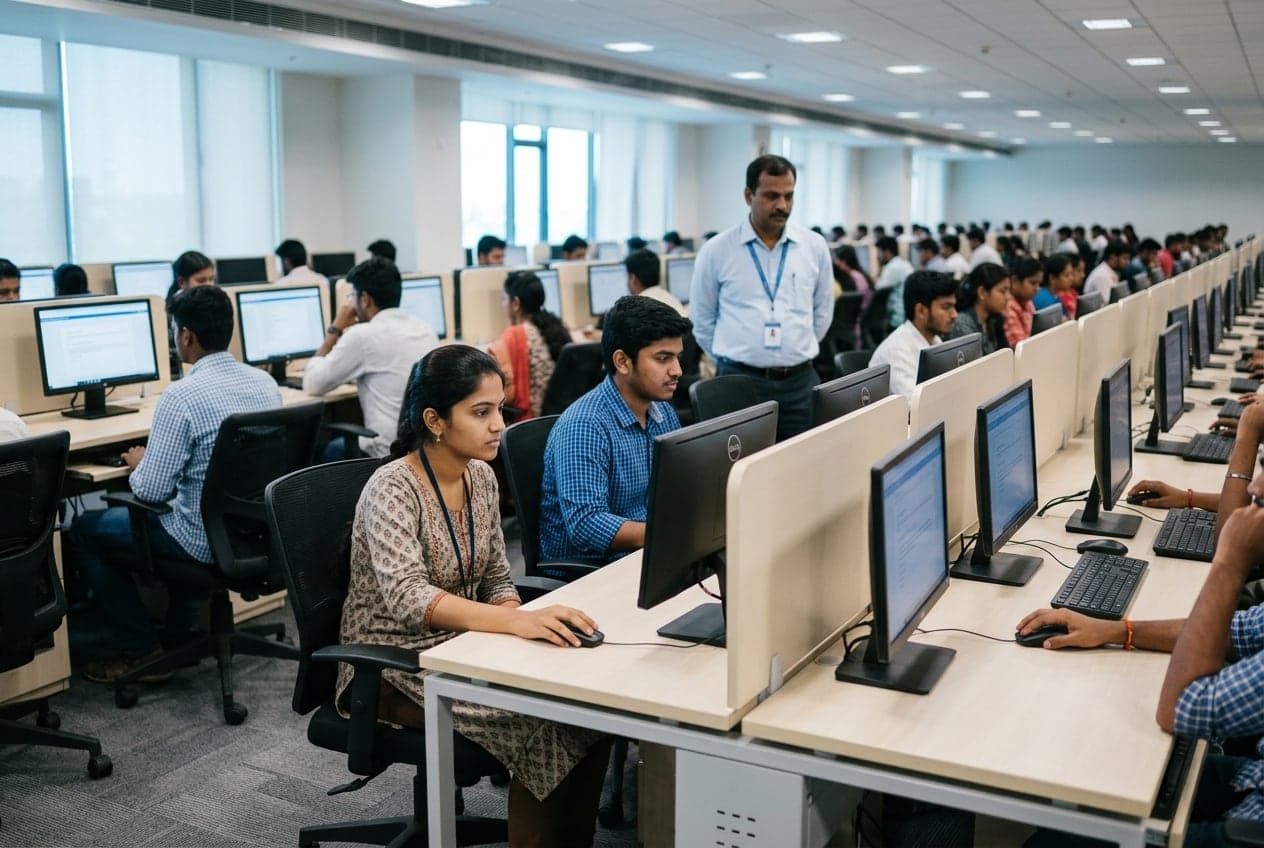
Paid online registration, proctored online centres and phone-scanned OMR centres feeding one ranked merit list.
Used by institutes, universities and educators across India




Exam day to committee export.
Run candidate access windows, compile unified rankings and inspect how your paper separated top performers.


One link for every registered candidate
Share the exam's link or QR code with schools and coaching centres. Candidates sign in, and only those with access can start. The overview shows who is eligible, who is writing now and who has finished.
- Copy the link or open its QR code
- Access only for the candidates you choose
- Close the exam when the window ends
Inspect how online and paper centres join one result:
Windowed entry
Share one link or QR code; only registered candidates enter in the window
Randomised sets
Pool rules, negative marking and up to 4 languages per paper
Live visibility
Track eligible, writing-now and submitted counts with proctoring signals
End night-before sheet scrambles.
Stop reconciling payment screenshots by hand and waiting weeks for paper-centre scores to join online ranks.
Registrations in a spreadsheet
Forms, payment screenshots and admit lists are reconciled by hand, the night before the exam.
Centres without computers
Half the candidates write on paper, and paper results arrive weeks after the online ones.
Merit lists that invite disputes
When scores are typed in by hand, every rank can be questioned.
Register, examine and publish ranks.
Open registration
Publish the exam as a paid test on your portal; share the link or QR with schools and coaching centres.
Prepare the paper
Random papers from question pools, negative marking, sections and languages; print OMR sheets for paper centres.
Exam day
Online candidates sit the paper with proctoring; paper centres scan sheets with a phone afterwards.
Merit list
Release results on schedule; candidates see rank and percentile; your team exports the merit list.
Two kinds of centre. One merit list.
Where there are computers, candidates sit the exam online. Where there aren’t, they write on QR-coded A4 OMR sheets scanned by phone — and land in the exact same ranked table.
Online & paper centres
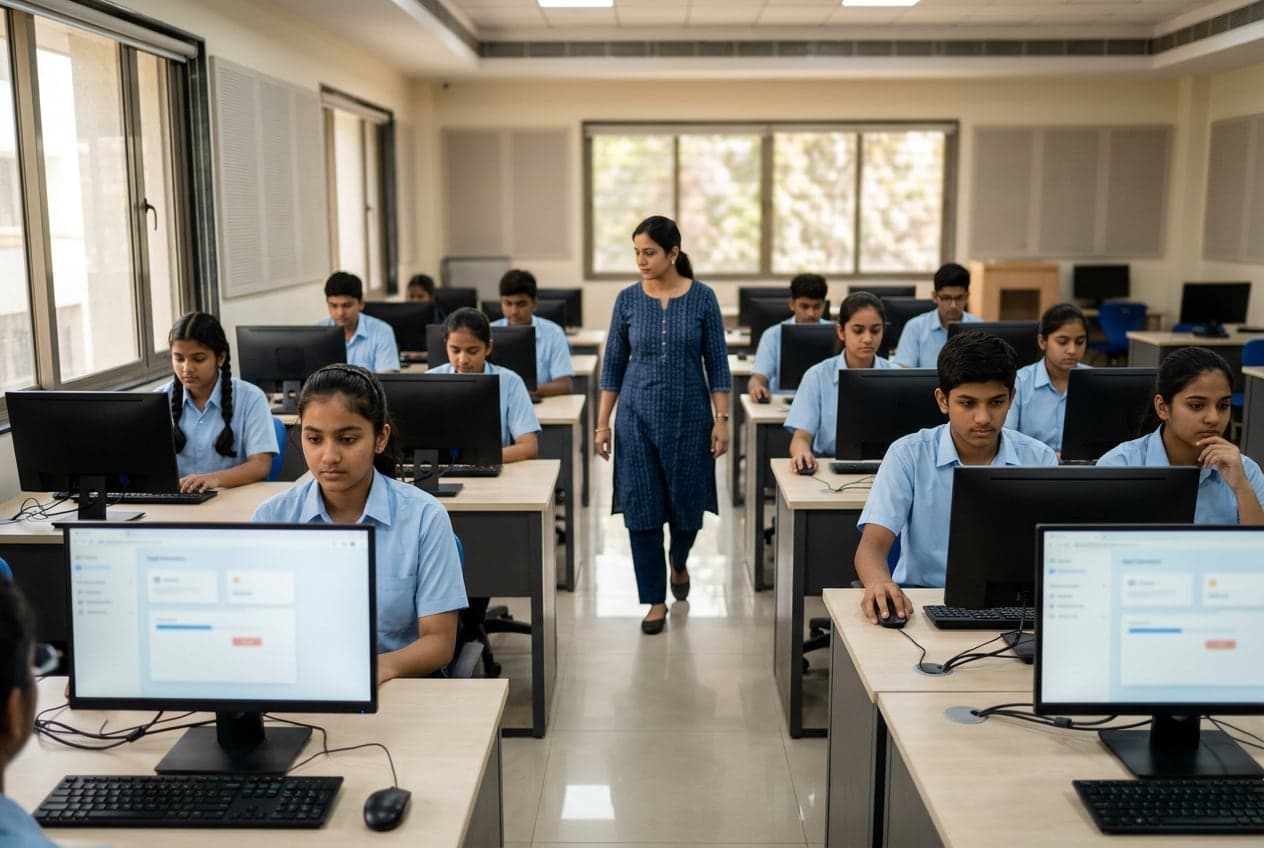
Online centres run windowed, proctored papers in up to 13 languages. Paper centres print QR-coded OMR sheets on plain A4 paper.
Paid registration via UPI, card or net banking with an invoice per candidate
Graded the same day
Online attempts score immediately by fixed rules. OMR sheets grade as staff scan them with a phone camera, routing unclear marks to a person.
Zero manual score entry into spreadsheets the night before results
1 unified merit list
Every candidate receives a rank, score, percentage, percentile and time taken on the schedule you choose, with names shown, shortened or hidden.
Clean Excel & CSV exports for your scholarship committee’s award rules
What changes in month one.
Concrete operational outcomes once scholarship & entrance exams move onto one workspace.
Registration with payment
Sell the exam as a paid test on your portal with UPI, card or net banking checkout and an invoice per candidate.
Access codes and windows
Open the paper only for registered candidates, only in the scheduled window.
Online and OMR in one result
Online centres and paper centres feed one merit list; OMR sheets are graded with a phone.
Ranks and percentiles
Released on your schedule, with names shown or hidden as you choose.
Exports for the committee
Excel and CSV merit lists for awarding scholarships and admissions.
Your name on everything
Your portal and brand on the exam screen and, on paid plans, your own domain.
Applications your team switches on.
Start with the core application on day one; add the others to the same workspace whenever needed.
Prices in Indian Rupees before 18% GST. Free workspace includes 25 active learners on CBT with no expiry.
54 shipped features, one workspace.
What scholarship & entrance exams use most in Classify-X today. Every link opens its full specification and plan tier.
CBT & Assessments
- Nine question types
- Equations, passages and media
- Folders, review status and versions
- Import from CSV or pasted text
- Up to 13 languages per question
- Learners report question errors
- Templates by kind of test
- Sections, pools and shuffling
- Negative marking and pass rules
- Access windows, codes and devices
- Safe Exam Browser
- Paid tests and series
- Computer-based exam screen
- Server-side timer and autosave
- Locked published versions
- Browser integrity signals
- Live monitor and evidence timeline· Starter
- Webcam evidence and on-device flags· Growth
- Identity photo approval· Growth
- Printable OMR sheets
- Read from a phone photo or scan
- Unclear marks to a person, key changes re-grade
- Your own sheet designs
- Results when you choose
- Leaderboards with privacy
- Test analytics
- Item analysis· Growth
- Exports and scorecards
Events & Webinars
Classify-X AI
Platform & learner portal
- One record per person
- Roles and custom roles
- Search across the workspace
- Notices with read counts
- Exports
- Sample content and a setup checklist
- Your name, logo and colours· Starter
- Your own domain· Starter
- Online payments
- An invoice for every sale
- Tenant isolation
- Two-factor sign-in
- Tamper-evident audit log· Growth (to view)
- Learner portal on any phone
- Your own sign-in link and QR
All 102 shipped capabilities across 6 applications
Every application shares one student and staff directory, role permissions, branding and rupee billing.
Candidates check ranks on any phone.
From paid registration to exam-day sign-in and result day, every screen carries your scholarship brand — right in the candidate's mobile browser.
Instant registration & invoice
Candidates register and pay online on your portal without night-before payment screenshot checks.
Controlled window & QR entry
Share one link or QR code with partner schools; only registered candidates start inside the window.
Plain talk on high concurrency
Tell us your peak simultaneous count ahead of time; Enterprise adds dedicated exam-day support.

Scheduled rank & percentile release under your own brandEnterprise exam-day SLA
Questions buyers ask us.
Have a specific migration, pricing or exam-day question? Write to contact@zeroonecreation.com.
Tell us your numbers and schedule before you commit. We have not published load-test results yet; for a big exam, Enterprise adds exam-day support with a service level agreed in your contract.
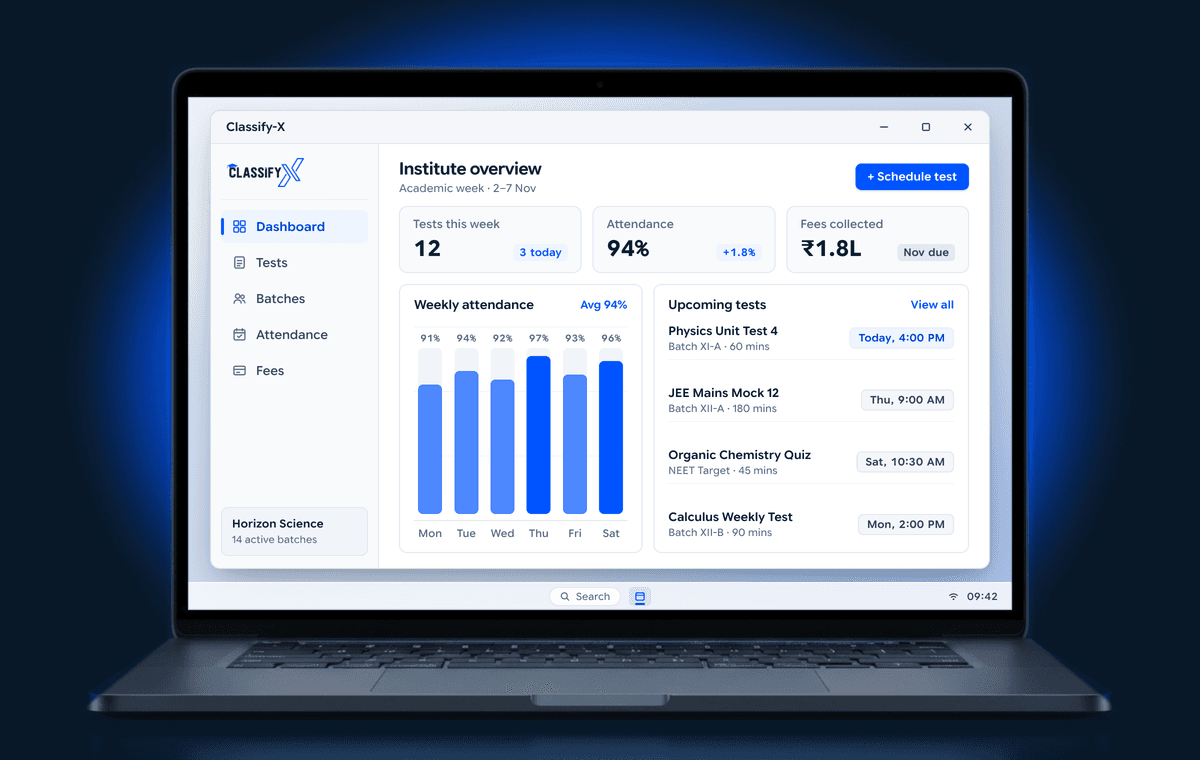
Classify-X for Windows.
Tests, batches, attendance and fees in a desktop app for your staff computers. Leave your e-mail and we’ll tell you the day it’s out.

Map your exam end to end.
Registration, fee collection, online and OMR centres, merit list: we’ll plan your exam day with you and say plainly what runs self-serve and where Enterprise support helps.