









CBT & Assessments

Online & OMR exams, one library.

From a chapter test in Class 8 to a large scholarship exam, build papers from your question library, deliver them on screen or on printed OMR sheets, and publish scores, ranks and topic analysis when you choose.

  • 9 question types
  • Up to 13 languages
  • OMR from a phone photo
  • Integrity signals on every plan
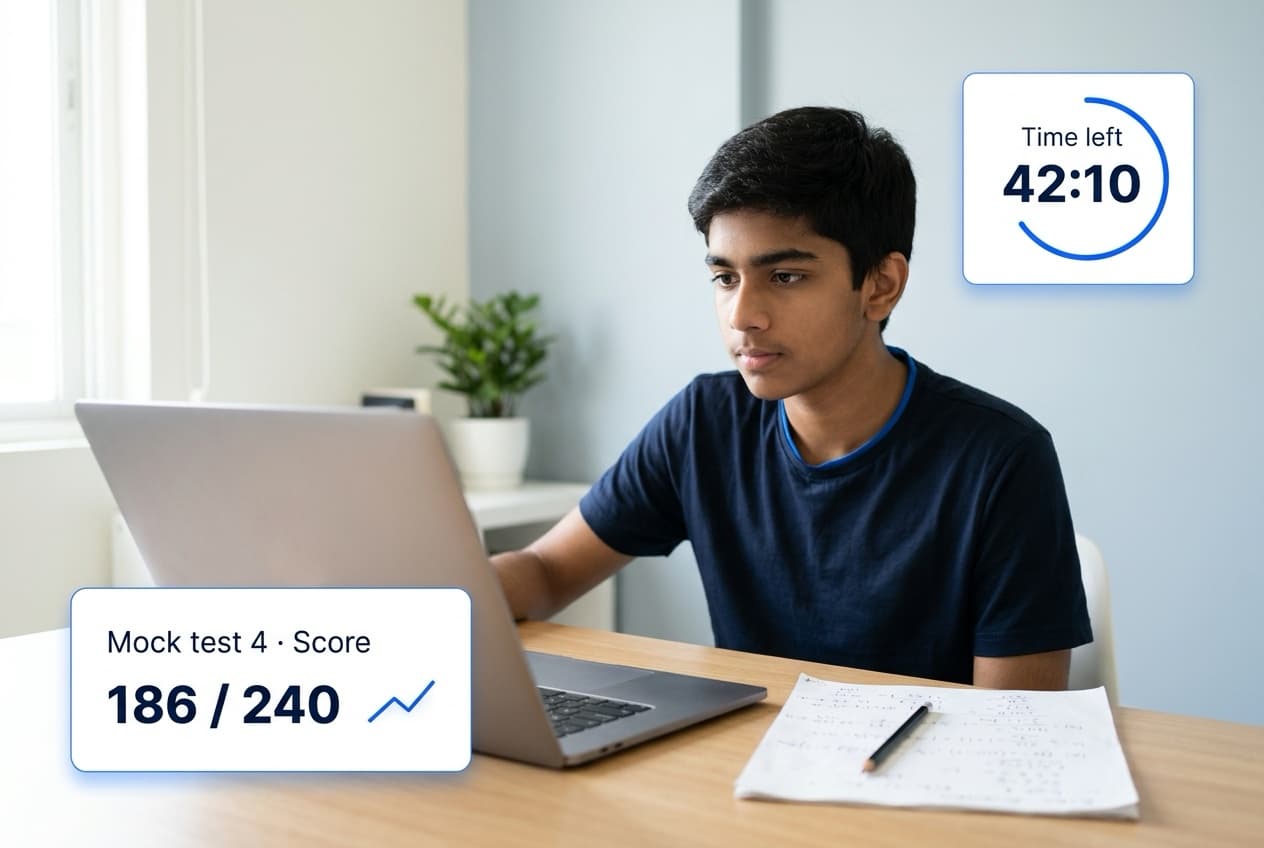
A student writing an online mock test, with time left and section scores
CBT & AssessmentsFree plan · In every workspace; paid plans from ₹1,249/mo, billed yearly

Used by institutes, universities and educators across India

  • COER University
  • Aim Campus
  • Ullas
  • Agriculture With Arjun

Tests in one tool, marks in another.

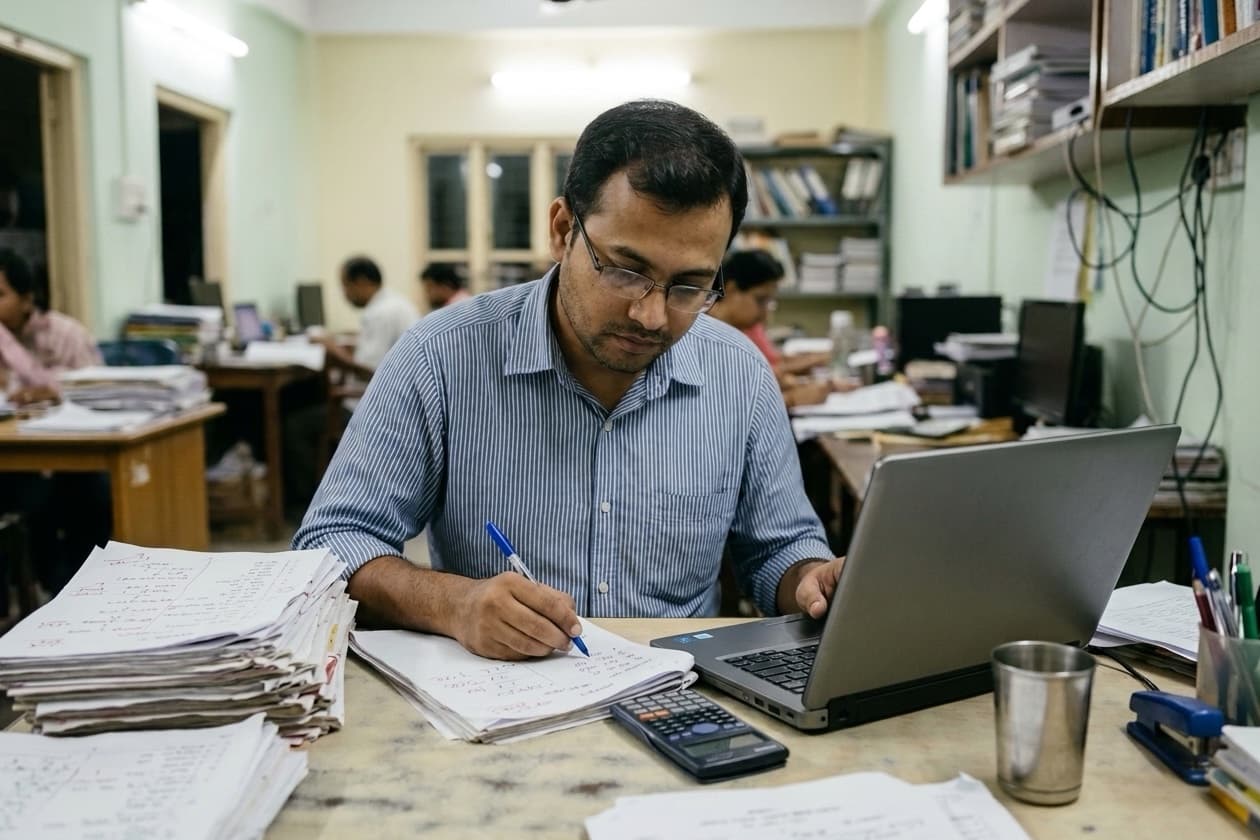
Papers are typed in Word, online tests sit in a form builder, OMR sheets go to separate software and marks end up in a spreadsheet. Nobody can say which topics a batch is weak in until the term is over.

A teacher copying marks from printed answer sheets into a spreadsheet

Before Classify-X: tests run in one tool, marks live in another.

How CBT runs, step by step.

Each job in the sequence your staff and learners perform it, and what Classify-X records automatically.

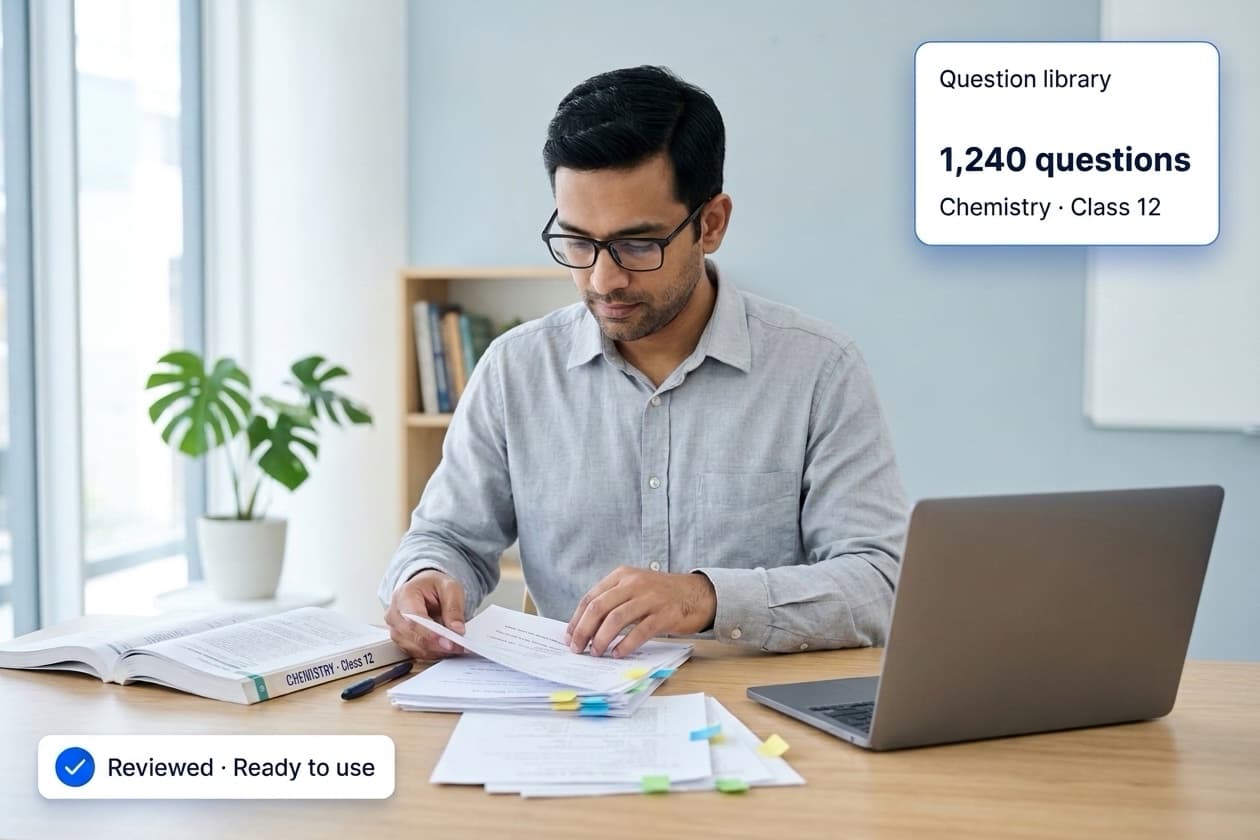
A teacher sorting chemistry questions at his desk, with a question library count and a reviewed tag

Question library

Keep every question in one reviewed library

Questions sit in folders by subject and topic, each with its type, difficulty, marks and review status. Add them one by one, import a CSV, paste text or draft them with AI, then move them through review before they reach a paper.
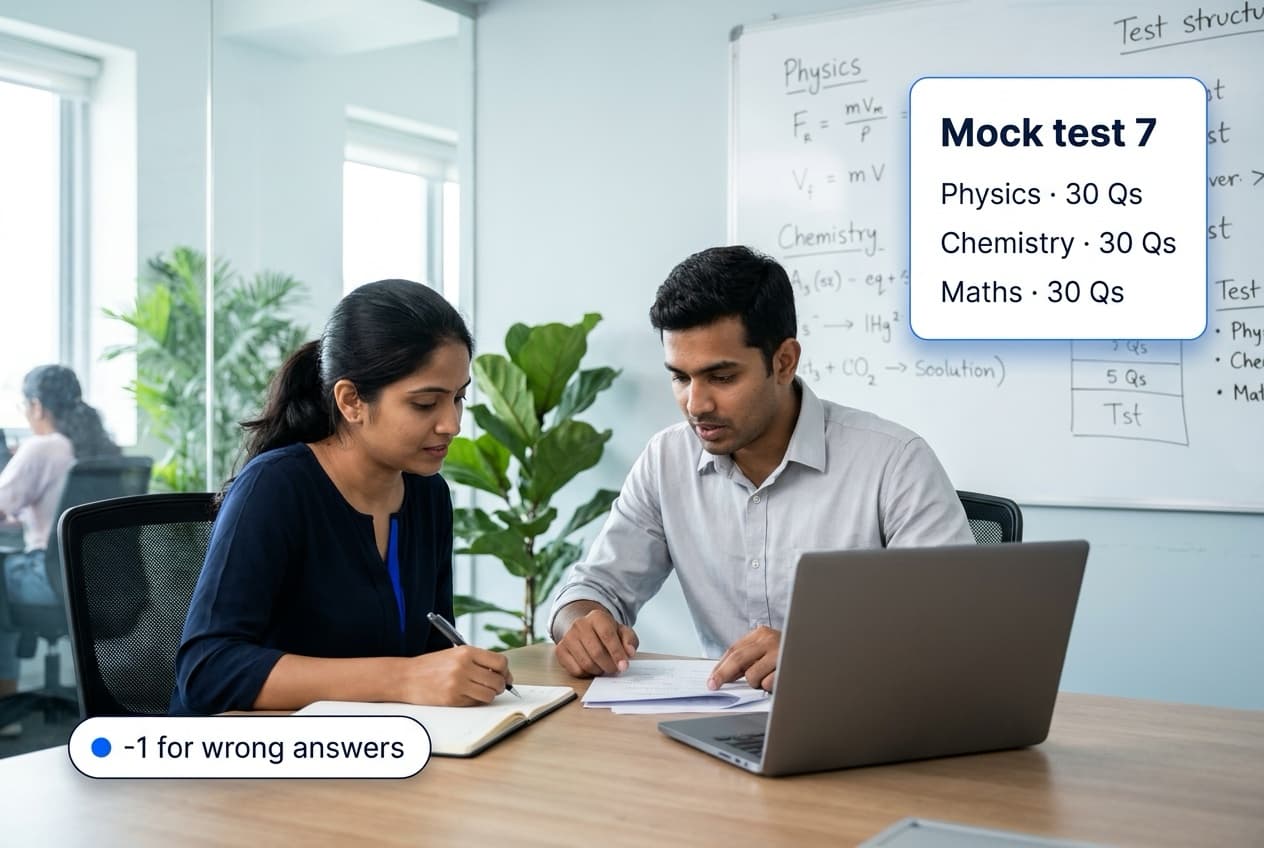
Two teachers planning a test paper, with its sections and negative marking

Build

Build the paper, then check it is ready

Add sections, set the duration, scoring and pass rules, choose who can take it and when. A checklist on the side shows what is still missing before you publish.

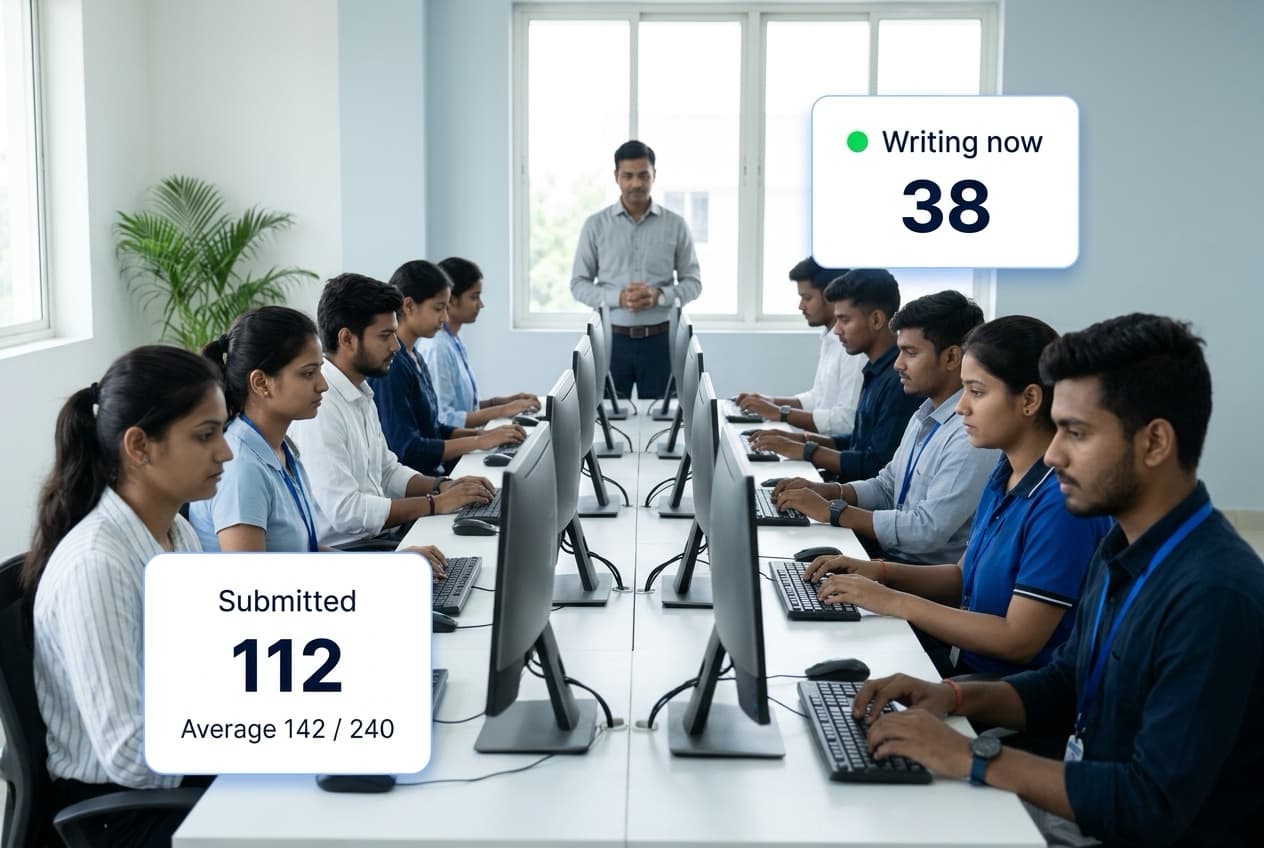
Students writing an online test in a computer lab, with how many are writing now and submitted

Deliver

Share one link and watch the test fill up

A published test shows who is eligible, who is writing it now, who has finished and the average score. Students open the link or a QR code and sign in; only those with access can start.

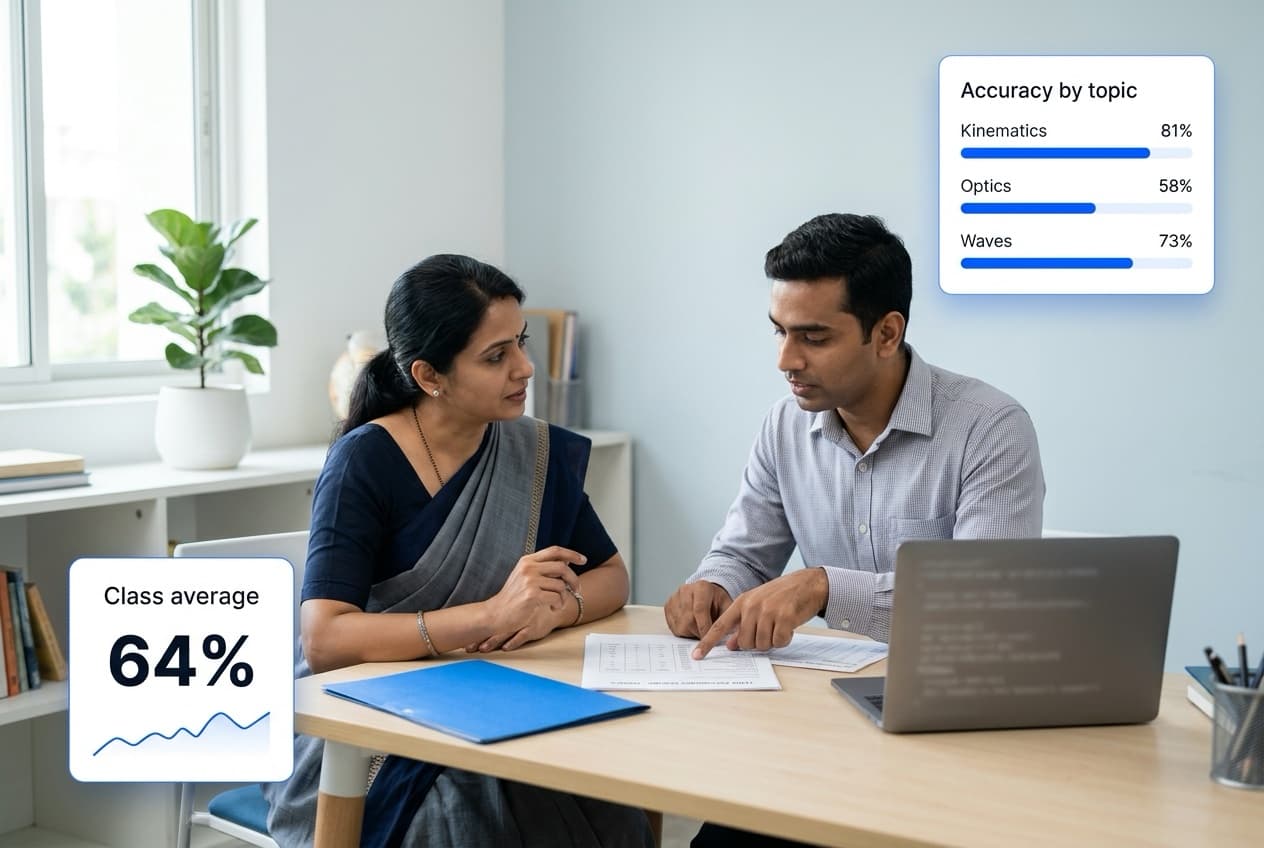
An academic head and a teacher going through a class's test results, with accuracy by topic and the class average

Analyse

See which topics and sections need teaching

Analytics for each test show the score distribution, average and median, pass rate, section performance and accuracy by difficulty and by topic, weakest topics first.

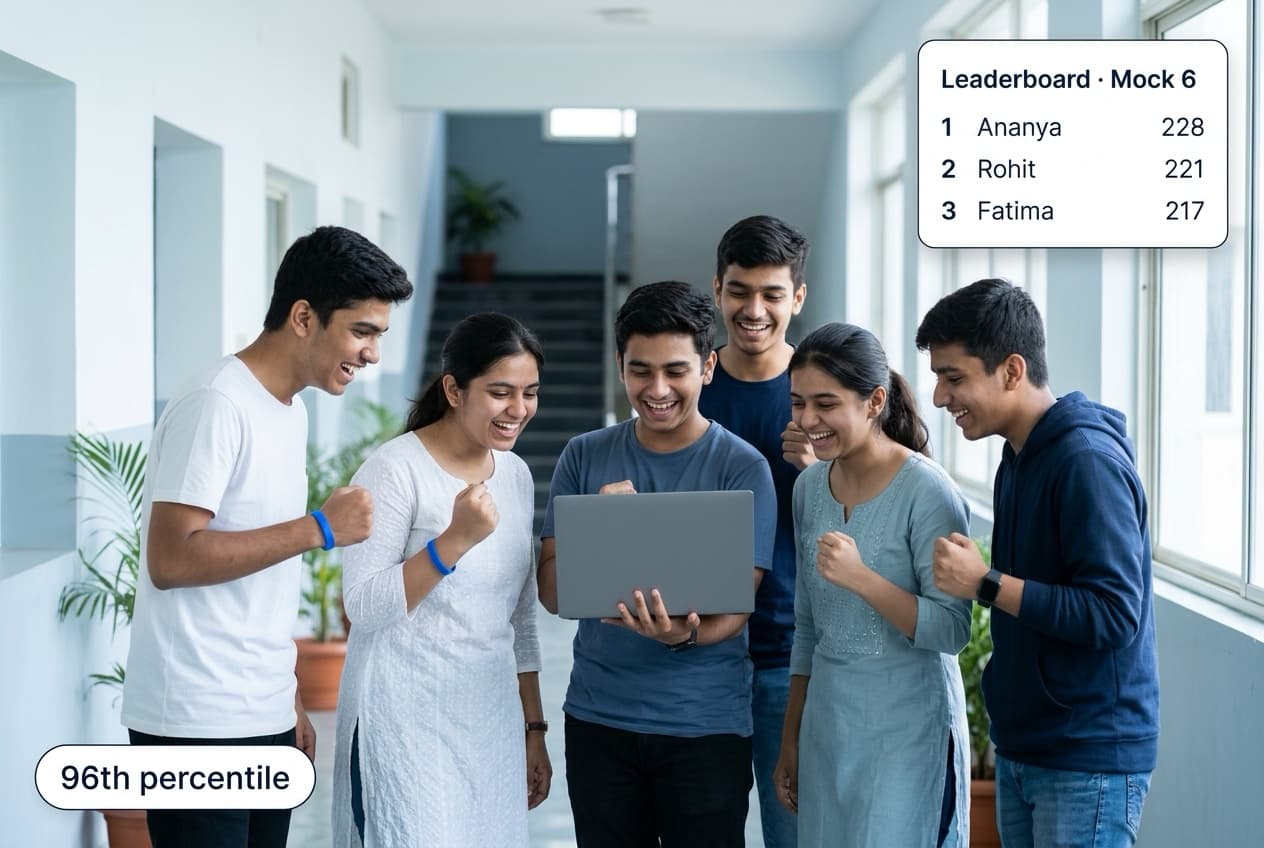
Students crowding round a laptop after a mock test, with the top three on the leaderboard and a percentile

Rank

Ranks and percentiles for every candidate

The leaderboard lists rank, score, percentage, percentile, correct, wrong and unattempted counts and time for each candidate, with each candidate's answers one click away.

1 / 5
A teacher sorting chemistry questions at his desk, with a question library count and a reviewed tag

Keep every question in one reviewed library

Questions sit in folders by subject and topic, each with its type, difficulty, marks and review status. Add them one by one, import a CSV, paste text or draft them with AI, then move them through review before they reach a paper.
  • Filter by status, subject, type and difficulty
  • Positive and negative marks on each question
  • Select questions to make a quick test
  • Version number on every question

Built for exam day, online or on paper.

Author once in a reviewed question bank, deliver in browser labs or on QR-coded A4 OMR sheets, and release ranks and topic reports on your schedule.

9 formats

MCQ, numeric, matching, ordering, assertion-reason, passages & subjective

13 languages

Deliver multilingual papers with up to 4 languages in a single exam

34 features

Included in every workspace plan, starting on Free with unlimited tests

Everything shipped today.

34 verified features in CBT & Assessments. A plan badge means that tier or higher; anything requiring setup or carrying a limit says so on the row.

Compare in full inventory

Question bank

6 shipped features

  • Nine question types

    Single and multiple choice, true/false, numeric, assertion–reason, fill in the blanks, match, ordering and subjective.

  • Equations, passages and media

    Typeset equations, reading passages shared by several questions, and audio or video in a question.

  • Folders, review status and versions

    Questions by subject and topic, moved from draft through review to approved, with a version number on every change.

  • Import from CSV or pasted text

    Available, with limits

    Bring a bank in from a CSV file, or paste questions copied from a document, with duplicate detection.

    Up to 500 rows per import; no Word or PDF upload.

  • Up to 13 languages per question

    Hindi, Bengali, Tamil, Telugu, Marathi and more, up to four per test; students switch language mid-exam.

    Teachers write each translation.

  • Learners report question errors

    A learner can flag a question they think is wrong; staff review the report, add a note and fix the question.

Building tests

10 shipped features

  • Templates by kind of test

    Starting settings for school tests, competitive mocks, entrance exams, recruitment screens and certification quizzes.

  • Sections, pools and shuffling

    Timed or shared-clock sections, pools with difficulty quotas, optional sections, ‘attempt any N’ and shuffled questions and options.

  • Negative marking and pass rules

    Marks and penalties per question, section or test, partial credit, and pass rules overall and by section.

  • Access windows, codes and devices

    Open a test to chosen batches or candidates in a time window, with access codes, allowed devices and IP allowlists.

  • Safe Exam Browser

    Require Safe Exam Browser for a test, with its configuration keys checked by the server.

  • Extra time for individual students

    Accommodations per student are applied to every timed test they take.

  • Test series with ranks across tests

    Group mocks into a series with a leaderboard across every test in it.

  • Practice mode

    Practice tests let learners check each answer as they go, separate from scored exam attempts.

  • Holds for overdue fees

    With Institution Management, a student with an overdue installment can be held back from tests until it is paid.

Exam day

3 shipped features

  • Computer-based exam screen

    Question palette, mark for review, sections, a basic or scientific calculator and a scratchpad, as in computer-based entrance exams.

    Independent of NTA and every exam body.

  • Server-side timer and autosave

    The clock runs on the server and answers save as they are marked, so a dropped connection resumes where it stopped.

  • Locked published versions

    Every attempt keeps the version of the test it started on; papers drawn at random can be reproduced for review.

Proctoring

4 shipped features

  • Browser integrity signals

    Tab switches, leaving full screen, copy and paste, developer tools and extra displays are recorded against the attempt.

  • Live monitor and evidence timeline

    Starter

    Invigilators watch attempts live, message, pause, extend time or end an attempt, and review a timeline of every signal.

  • Webcam evidence and on-device flags

    Growth

    Webcam frames and optional screen frames kept as evidence, with in-browser flags for no face, another person or a phone.

  • Identity photo approval

    Growth

    Candidates take a photo before starting; an invigilator approves it. There is no automatic face matching.

Paper exams (OMR)

4 shipped features

  • Printable OMR sheets

    QR-coded answer sheets on plain A4, up to 225 four-option questions per sheet.

  • Read from a phone photo or scan

    Photograph sheets with a phone or upload a scanner PDF; the server reads them into the same results as online tests.

  • Unclear marks to a person, key changes re-grade

    Doubtful bubbles go to staff instead of being guessed, and changing the answer key re-grades every sheet.

  • Your own sheet designs

    Available, with limits

    Use an existing OMR sheet layout.

    Reading roll-number bubbles on custom sheets is not built yet.

Results and analysis

7 shipped features

  • Results when you choose

    Release scores, ranks and percentiles at once, on a schedule or by hand.

  • Leaderboards with privacy

    Six modes, from hidden to full names, short names, roll numbers or anonymous ranks.

  • Test analytics

    Score distribution, average and median, pass rate, section averages and accuracy by topic and difficulty, weakest first.

  • Item analysis

    Growth

    Difficulty and discrimination for every question after every exam.

  • Subjective marking queue

    Long answers marked in a queue, with re-marking that records the reason.

  • Exports and scorecards

    Results in Excel and PDF, a scorecard PDF per attempt and leaderboards as CSV.

  • Saved questions for revision

    Learners save questions from their attempts to revise later.

On the roadmap

Planned, not sold yet

Upcoming items for CBT & Assessments. Never counted in shipped feature totals.

  • Continuous video proctoring

    Recorded video of the whole attempt.

  • Previous-year paper library

    A ready library of past papers to practise on.

Included in every workspace plan.

Unlimited tests, attempts and questions on every workspace tier, including Free.

Yearly billing equals ten months of the monthly price.

Free

For tutors and small batches getting started.

₹0

No time limit, no card

Active learners
25
Staff accounts
2
Start free
  • Unlimited tests, attempts & questions
  • Computer-based exam interface, 9 question types
  • CSV import, instant results & CSV export
  • Browser integrity signals

Upgrade whenever you need to

Starter

For coaching institutes and schools running regular tests.

₹1,249/ month

₹14,990/yr · saves ₹2,998

Active learners
250
Staff accounts
5
Choose Starter
  • Everything in Free
  • Live proctoring & incident review
  • Your branding on the student portal
  • Email support

Prices before 18% GST

Growth

14-day trial

For multi-batch institutes that need stronger exam integrity.

₹3,333/ month

₹39,990/yr · saves ₹7,998

Active learners
1,000
Staff accounts
15
Start 14-day trial
  • Everything in Starter
  • Secure & high-stakes exam profiles
  • Item analysis (difficulty, discrimination)
  • Tamper-evident audit log
  • Priority WhatsApp support

Prices before 18% GST

Enterprise

For universities, large chains and assessment programs.

Custom

Annual agreement, quoted in INR

Active learners
Custom
Staff accounts
Custom
Talk to sales
  • Everything in Growth
  • Exam-day support, service level in your contract
  • Purchase orders & annual invoicing
  • Onboarding & question migration help

Quote in writing, 18% GST shown

Every new workspace gets the Growth plan free for 14 days — no card and no UPI mandate — then stays on Free unless you choose a paid plan. Prices in rupees before 18% GST.

Common questions.

Schools for unit tests, periodic exams and board-exam practice; colleges for internal exams; coaching institutes for test series; organisers for scholarship and admission tests; companies for recruitment screens and training quizzes. The engine is the same; the settings differ.

Launching soon

Classify-X for Windows.

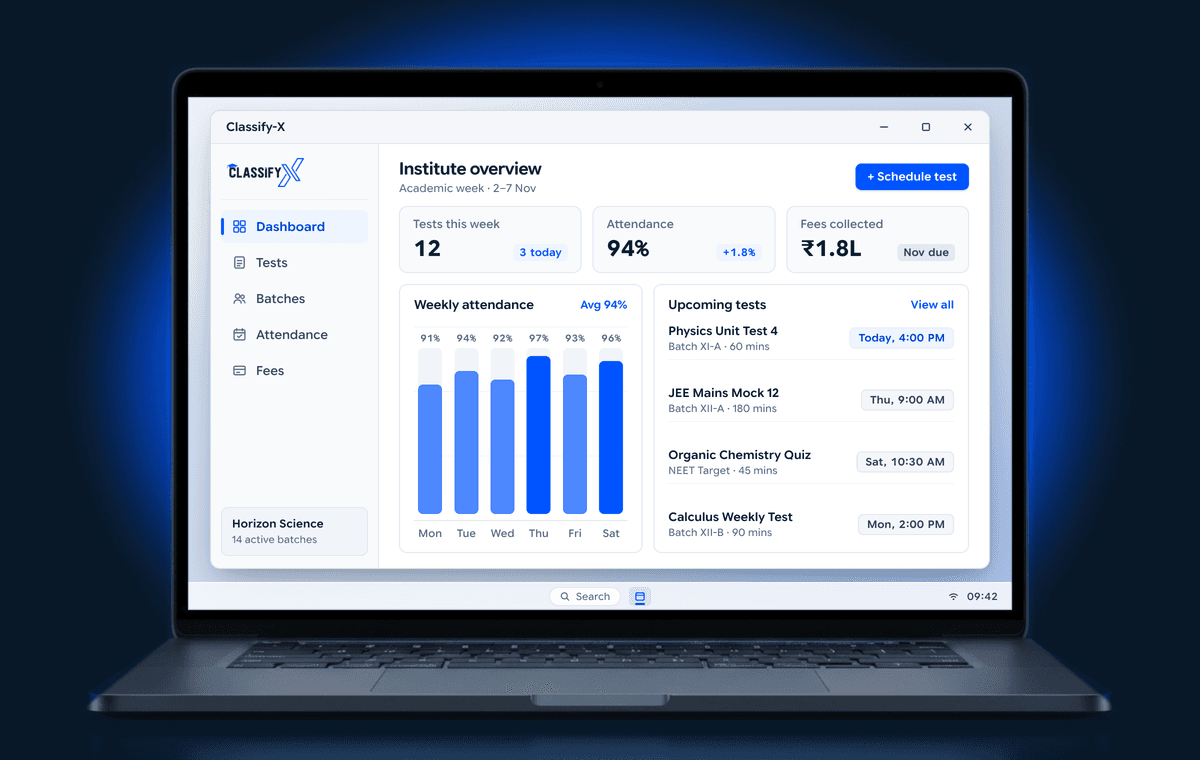
Tests, batches, attendance and fees in a desktop app for your staff computers. Leave your e-mail and we’ll tell you the day it’s out.

Classify-X running as a desktop app on a Windows laptop
Classify-X

See it with your own material.

We’ll import a few of your questions, build a paper with sections and negative marking, take it as a student and open the analysis, in 30 minutes.

Our website has a fresh new look.

Classify-X for Windows is launching soon.

Launching soon
Classify-X running as a desktop app on a Windows laptop

Tests, batches, attendance and fees in a desktop app for your staff computers.

Classify-X for Windows is launching soon.

Leave your details and we’ll tell you the day it’s out. Our team reads every message.