


School exams without weekend grading.
Teachers set unit tests, periodic exams and practice papers for any class, online in the lab or on paper with OMR sheets. Reports show the topics a class is weak in. The School Assessment Program puts the whole school, including Classes 10 to 12 preparing for computer-based entrance exams, on one annual licence.
Any class
Unit & periodic tests
Classes 10–12
CBT entrance format
Annual licence
By student count
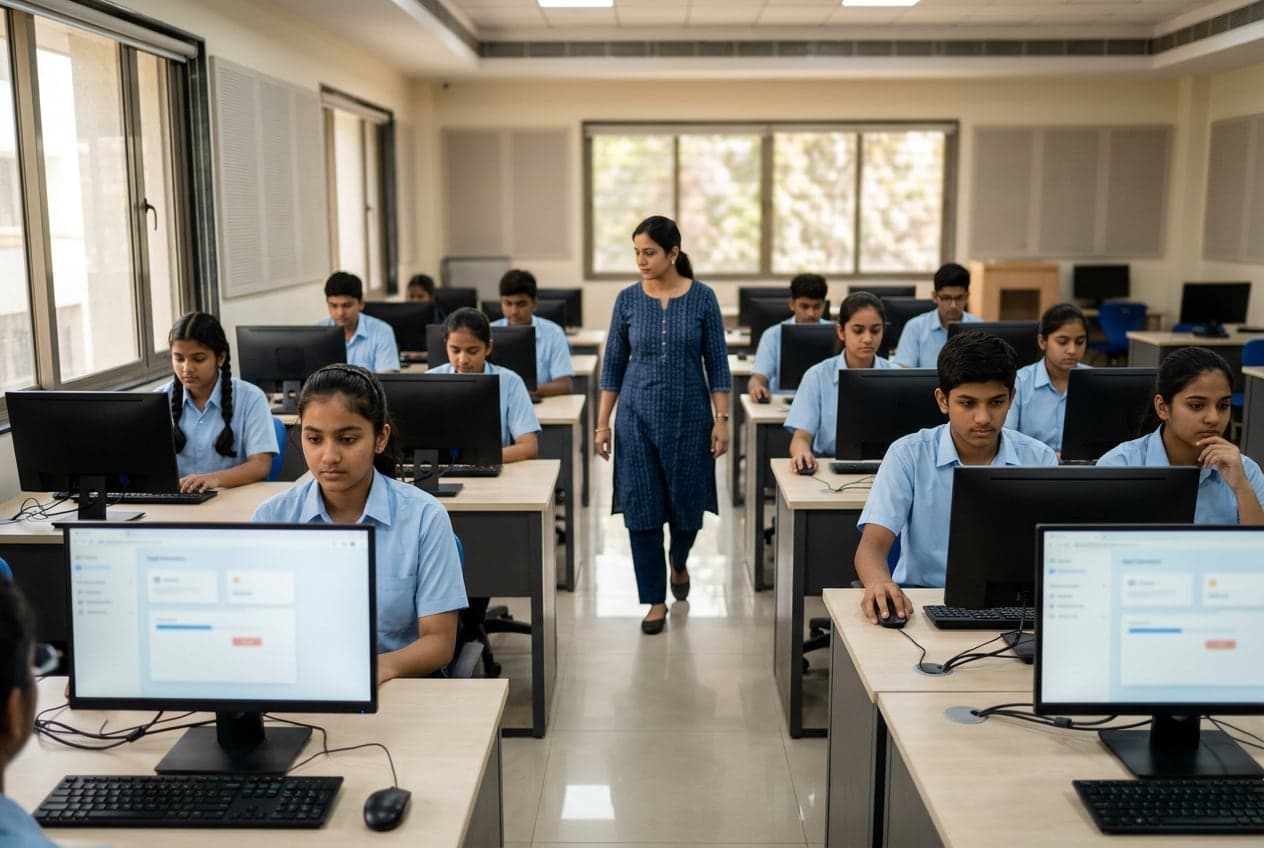
Unit tests, periodic exams and Classes 10–12 CBT entrance practice on one annual school licence.
Used by institutes, universities and educators across India




Built for teachers, HODs and parents.
See how unit tests, chapter-level analytics, daily attendance registers and parent visibility connect in one school workspace.

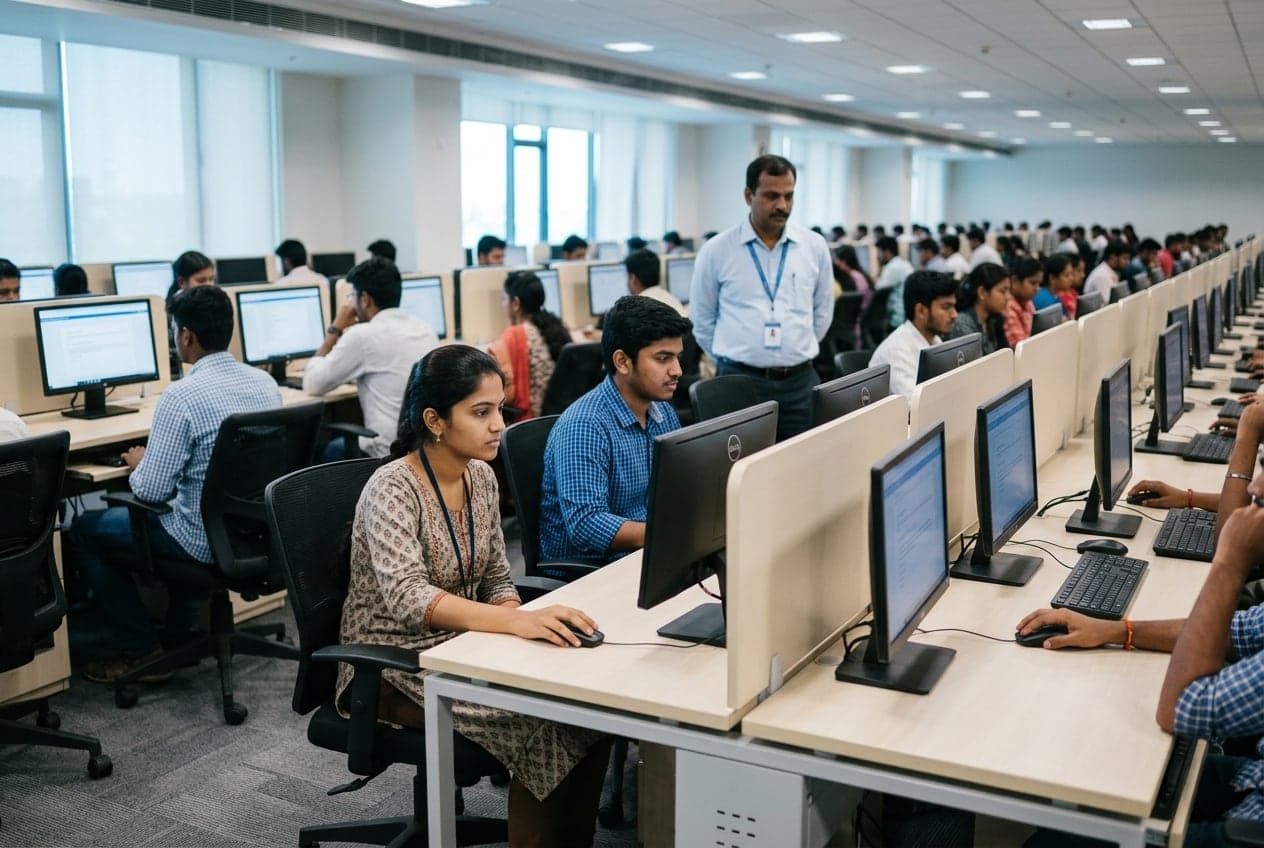
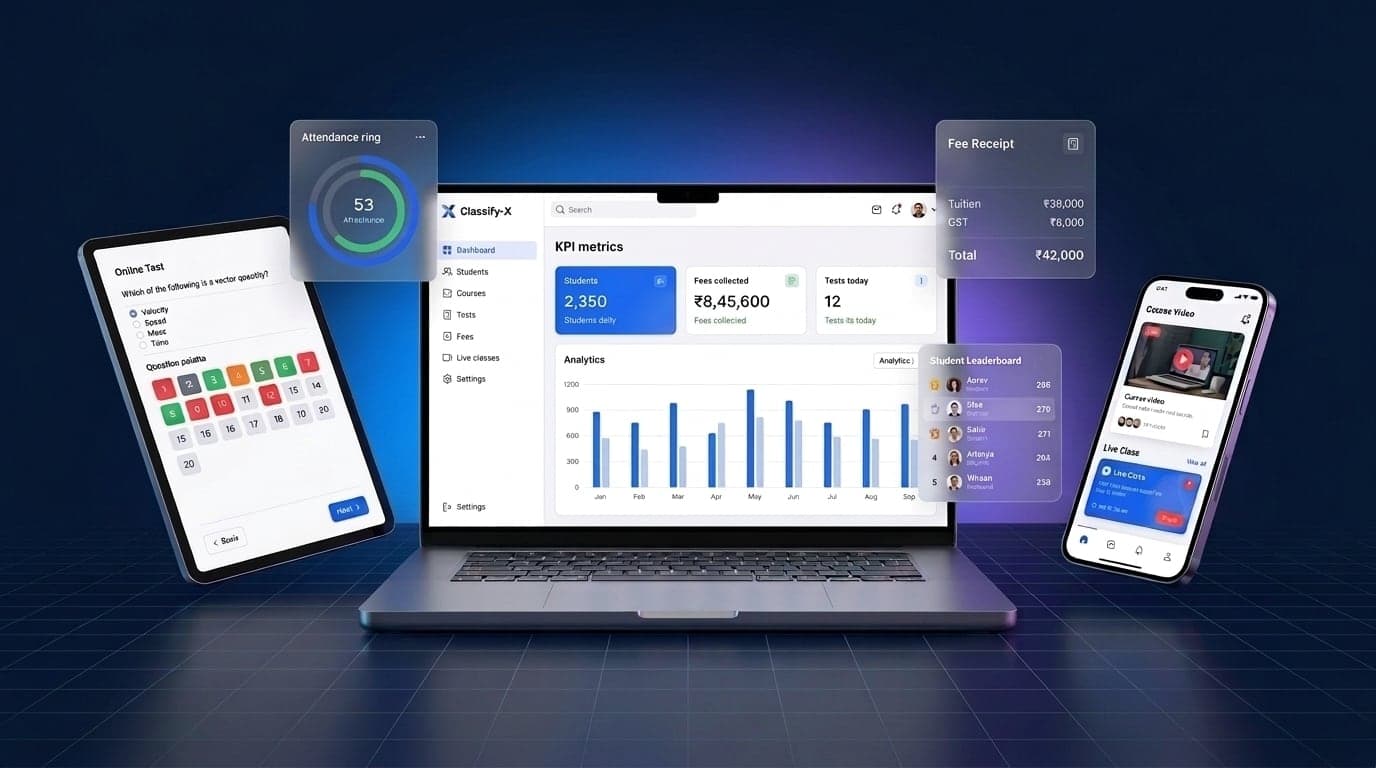

Set a unit test on one screen
The test builder keeps the paper, scoring, who can take it and the exam rules together. Sections can share one clock or each have its own timer, and a checklist shows what is still missing before the test goes to students.
- Pass marks overall and for each section
- Only the classes or students you choose
- Extra time for individual students added automatically
- Preview the test as a student sees it
Inspect how schools run assessments across classes:
Paper creation
Pick from the school's own subject library or review AI-drafted questions
Accommodations
Pass marks per section and automatic extra time for individual students
Reteaching signal
Weakest topics ranked first with 10-point score distribution bands
Spot weak chapters before finals.
When unit tests grade themselves, teachers see weak topics while there is still time to reteach them.
First computer-based exam on the day it counts
Many entrance and recruitment exams are now taken on screen, and many students have never practised that way.
Weekend grading
Teachers spend Sundays checking unit tests and typing marks into spreadsheets.
Gaps found too late
Weak chapters show up in the final result, when it's too late to reteach them.
Paper to parent. In four clean steps.
Choose a paper
A teacher builds a unit test from the school's own questions, or drafts new ones with AI for review.
Schedule for a class
Assign Class 10-B for Friday's lab period; set time, marking and allowed devices.
Students sit the test
In the computer lab or at home; answers save as they go, so nothing is lost to a power cut.
Review and reteach
Class and subject reports show the weakest chapters; parents see released results.
One annual licence for the school.
The School Assessment Program puts Classes 10 to 12 preparing for computer-based entrance exams — and unit testing for any class — on one predictable rupee quote.
Classes 10–12
Computer-based entrance exam practice alongside unit tests for any grade
9 formats
MCQ, assertion-reason, matching, ordering, passages and subjective questions
30-day view
Rolling class attendance history right beside the teacher’s daily register
What the annual school licence covers
Pilot terms available for the first schools in each city- Students
- Every student in the classes you choose, priced by number of students
- Question library
- The school's own questions by subject and topic, reviewed before use
- Teacher accounts
- Teachers create, schedule and review their own unit and periodic tests
- Reports
- Class, subject and chapter reports, weakest topics first, plus scorecards
- Parents (optional)
- Released results and attendance in a parent portal when invited
- Getting started
- Help importing students and running the school's first test
What changes in month one.
Concrete operational outcomes once schools move onto one workspace.
Tests for every class
Teachers write or pick questions, set time and marking, and assign a class in minutes: unit tests, periodic exams and practice papers, online or on OMR sheets.
Practice in the format of the real exam
Classes 10 to 12 practise on a computer-based exam screen (question palette, mark for review, sections and a timer) long before an entrance exam asks them to.
Performance analytics
For every test: score spread, section averages, pass rate and accuracy by topic and difficulty, weakest topics first.
Leaderboards with privacy
Class and school rankings, with names shown, shortened or hidden as you choose.
Parents in the loop
Released results and attendance in a parent portal, if the school wants it.
Careful with student data
Each school's data is isolated to its own workspace, access is role-based and administrative changes are recorded.
Applications your team switches on.
Start with the core application on day one; add the others to the same workspace whenever needed.
Prices in Indian Rupees before 18% GST. Free workspace includes 25 active learners on CBT with no expiry.
78 shipped features, one workspace.
What schools use most in Classify-X today. Every link opens its full specification and plan tier.
CBT & Assessments
- Nine question types
- Equations, passages and media
- Folders, review status and versions
- Import from CSV or pasted text
- Up to 13 languages per question
- Learners report question errors
- Templates by kind of test
- Sections, pools and shuffling
- Negative marking and pass rules
- Access windows, codes and devices
- Safe Exam Browser
- Extra time for individual students
- Practice mode
- Holds for overdue fees
- Computer-based exam screen
- Server-side timer and autosave
- Locked published versions
- Browser integrity signals
- Live monitor and evidence timeline· Starter
- Printable OMR sheets
- Read from a phone photo or scan
- Unclear marks to a person, key changes re-grade
- Results when you choose
- Leaderboards with privacy
- Test analytics
- Subjective marking queue
- Exports and scorecards
- Saved questions for revision
Classify-X LMS
Institution Management
- Enquiry pipeline
- Enquiry form on your portal
- Admissions and student records
- Documents and ID cards· Institution Starter (ID cards)
- Sessions, campuses, classes and batches
- Student attendance
- Absence alerts
- Timetable without clashes
- Fee structures and installments
- Fee reminders
- Online fee payment· Institution Starter
- Receipts and refunds
- Tally export· Institution Growth
- Accountant and branch manager roles
Events & Webinars
Classify-X Store
Classify-X AI
Platform & learner portal
- One record per person
- Roles and custom roles
- Search across the workspace
- Notices with read counts
- Exports
- Sample content and a setup checklist
- Your name, logo and colours· Starter
- Your own domain· Starter
- Online payments
- An invoice for every sale
- Tenant isolation
- Two-factor sign-in
- Tamper-evident audit log· Growth (to view)
- Learner portal on any phone
- Parent portal
- Your own sign-in link and QR
All 102 shipped capabilities across 6 applications
Every application shares one student and staff directory, role permissions, branding and rupee billing.
Computer labs or plain A4 sheets.
Not every period has a free computer lab. Teachers run the exact same unit test online in the lab, at home on tablets, or on printed OMR sheets in class.
Zero Sunday hand-grading
Objective and OMR papers score automatically so teachers spend time reteaching weak chapters.
Questions stay the school's own
Import teacher spreadsheets or draft items with AI — every draft is reviewed before class.
Tenant-isolated student records
Every school runs in an isolated workspace with role-based staff access and recorded admin changes.
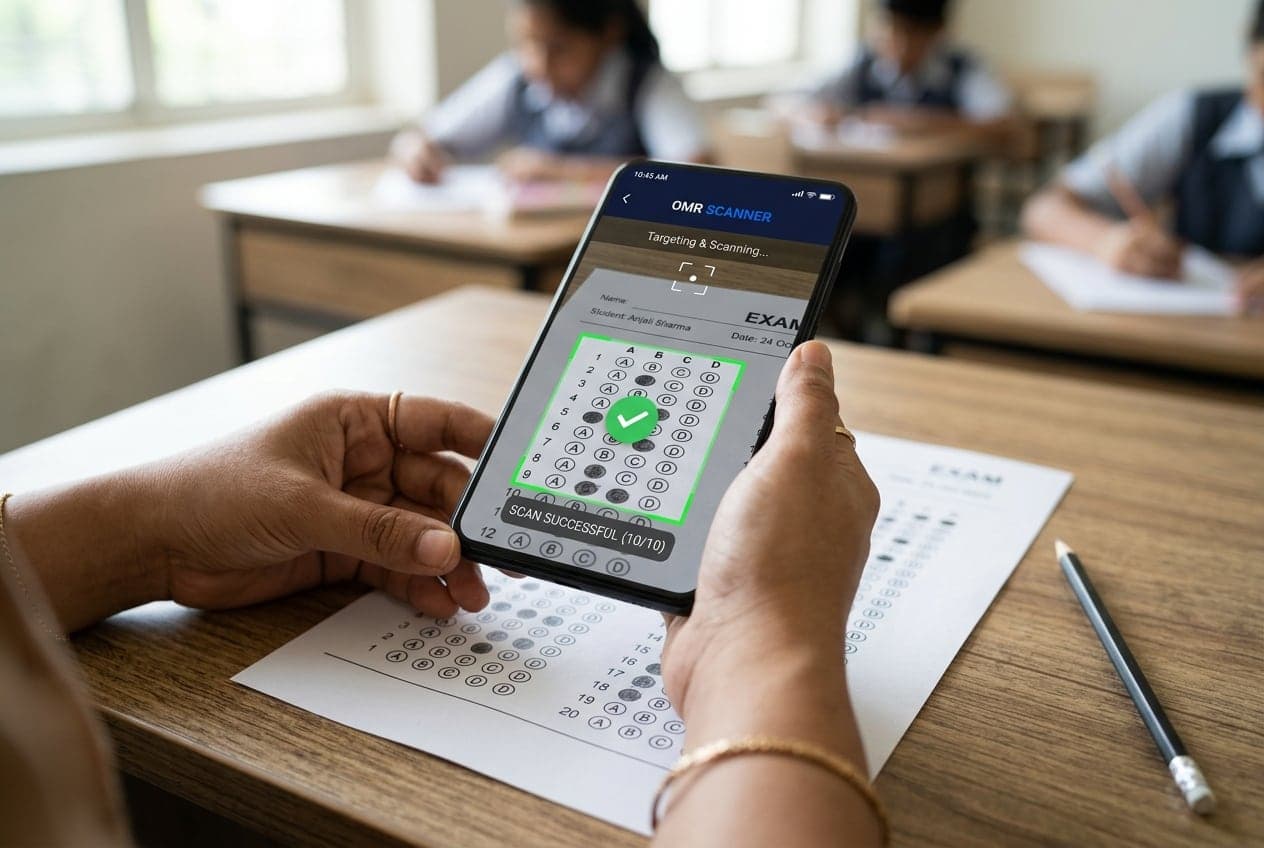
Same chapter-level report from online lab or printed OMRAuto-saved answers

Answers save continuously during online tests so power cuts or Wi-Fi drops never lose a student's work.
Questions buyers ask us.
Have a specific migration, pricing or exam-day question? Write to contact@zeroonecreation.com.
No. Teachers can run tests for any class. The School Assessment Program is a school-wide licence; it is aimed at Classes 10 to 12 because that is when computer-based practice matters most.
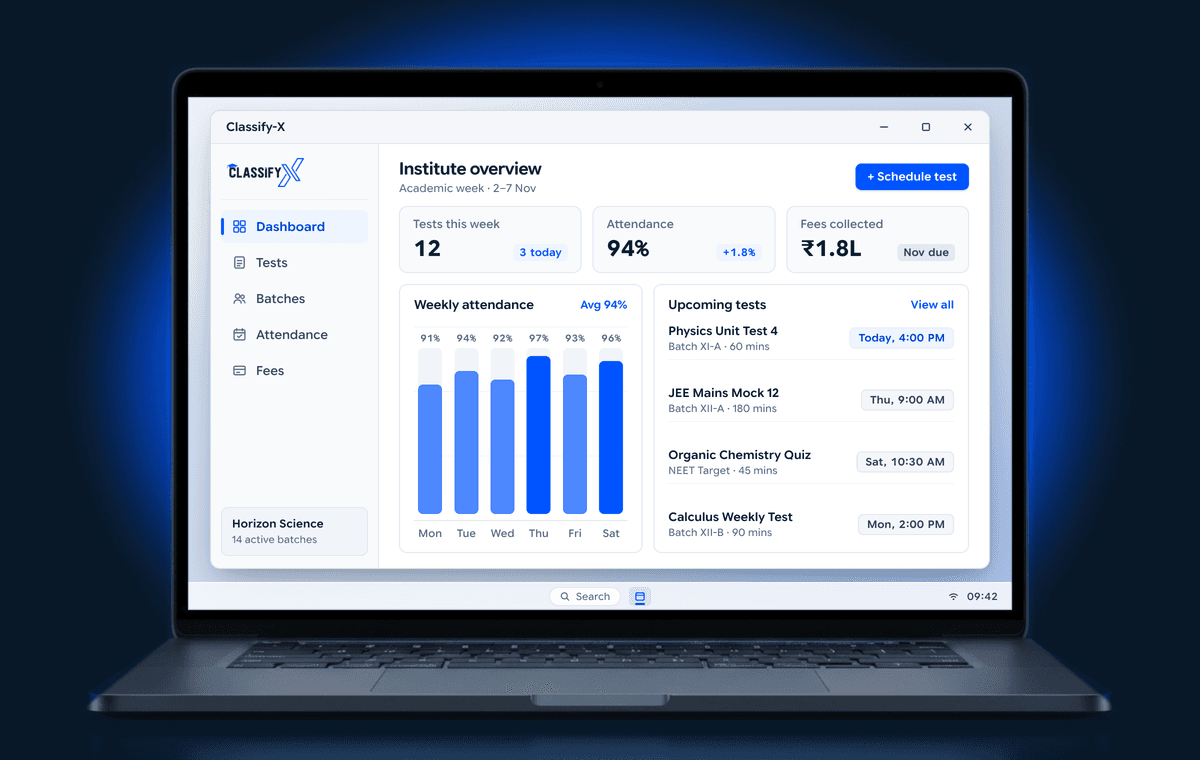
Classify-X for Windows.
Tests, batches, attendance and fees in a desktop app for your staff computers. Leave your e-mail and we’ll tell you the day it’s out.

Get a school quote in rupees.
Tell us which classes you want to test and how often. We’ll show a unit test from paper to analysis and send a licence quote in rupees for your management to review.